

Canadian parents have four workable routes to kids shows without cable: free kid-safe apps like Kidoodle.TV and Sensical, public broadcaster apps, subscriptions with dedicated kids profiles, and device-based live-TV alternatives including streaming boxes and IPTV. All four work reliably across Canada, and every one of them has parental controls worth using. If you want one local service that covers live TV too, a Canadian IPTV option is worth a look further down.
TL;DR:
- Free kid-safe apps like Kidoodle.TV and Sensical offer curated content with parental controls and are suitable for occasional viewing or quick setup.
- Subscription services like Amazon Kids+ provide offline downloads, ad-free playback, and separate profiles, making them ideal as free apps feel limited or inconvenient.
- Canadian broadcaster apps such as PBS KIDS deliver educational programming without cost, though content availability may vary by region or app version.
- Using streaming devices or IPTV allows access to live TV channels, with IPTV offering broader channel options at lower costs than traditional cable.
- Setting up parental controls on all devices and apps takes about fifteen minutes and significantly increases safety, especially when combined with device-level content filtering.
Table of Contents
- At-a-glance: six ways to watch kids shows without cable
- Free and ad-supported kids apps: what they offer and what to watch for
- Subscription services with kids profiles: when they're worth it
- Canadian broadcaster apps: where to find local kids programming
- Live-TV alternatives: antennas, streaming devices, and what IPTV means
- Parental controls: a safety checklist you can apply today
- How to choose: three questions before you commit
- A Canadian perspective on local support and streaming choices
- Try a Canadian IPTV option built for family viewing
- Sources
- FAQ
At-a-glance: six ways to watch kids shows without cable
Before you commit to anything, it helps to see the whole map. Some options cost nothing but need more supervision. Others cost a little and hand you stronger controls out of the box.
- Free kid-first apps (Kidoodle.TV, Sensical): $0, best for families who want curated content with minimal setup.
- Ad-supported kids apps: $0, good for casual viewing, but ads and looser filtering mean closer supervision.
- Broadcaster apps (PBS KIDS and others): $0, strong for educational programming, occasionally geo-limited.
- Subscriptions with kids profiles (Amazon Kids+ and similar): roughly $8 to $15 a month, best when you want offline downloads and ad-free playback.
- Streaming devices and casting: one-time device cost, works with almost any app above.
- IPTV or antenna for live TV: monthly or one-time cost, useful once you want live channels, not just on-demand shows.
Try the free apps first. If your kids outgrow them or you need offline video for road trips, move up the list.
Free and ad-supported kids apps: what they offer and what to watch for
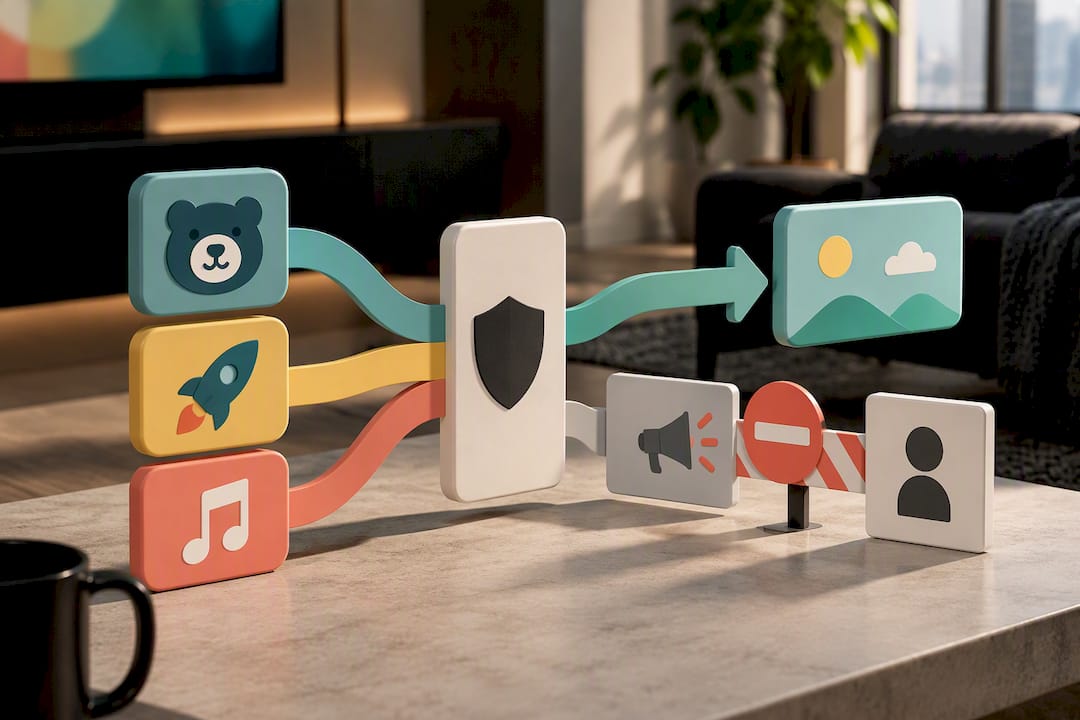
Kidoodle.TV and Sensical are the two names Canadian parents run into most often, and for good reason. Kidoodle.TV markets itself around "Safe Streaming," and every show on the platform is screened by a human before it's added — not just filtered by an algorithm. It also gives parents bedtime scheduling and viewing analytics, so you can see what your kid actually watched, not just what you think they watched. Sensical takes a similar approach but organizes content into age-segmented channels for preschoolers, little kids, and big kids, and it runs on most smart TVs without extra hardware.
Ad-supported apps in the YouTube Kids mould trade some of that curation for a much bigger library. That trade-off is fine for occasional viewing, but it means tighter settings on your end: turn off open search, set a viewing timer, and lock the app down so nobody wanders into the wrong corner of the internet by accident.
- Cast from a phone or tablet to your TV using a streaming stick for the bigger screen.
- Watch data use on mobile if you're streaming outside Wi-Fi, especially on long drives.
- Enable guided access or a screen lock so kids stay inside one app.
Pro Tip: Turning on your device's guided access or single-app mode before handing over the tablet stops most "accidentally exited the app" meltdowns before they start.
Subscription services with kids profiles: when they're worth it
Free apps cover a lot of ground, but paid subscriptions solve problems free tools usually can't: offline downloads for flights, ad-free playback, and profiles that keep your five-year-old's recommendations separate from your teenager's. Amazon Kids+ is the clearest example, bundling ad-free access to thousands of kid-friendly videos, books, and apps from recognizable brands, with pricing that lands around US$7.99 a month after any promotional trial ends.
A subscription pays off once free apps start feeling limiting, whether that's constant ad interruptions or no way to download shows for offline viewing.
- Check kids-profile support and content filters before you subscribe, not after.
- Confirm offline downloads work on the device your child actually uses.
- Look for family sharing so one subscription covers multiple kids' profiles.
- Verify device compatibility, especially older tablets or smart TVs, before paying for a year upfront.
Canadian broadcaster apps: where to find local kids programming
Public and provincial broadcasters are an underused source of free kids shows, and PBS KIDS is the standout. It leans on research showing that 90% of a child's brain develops between birth and age five, which is why its app and web portal focus heavily on early learning rather than pure entertainment. Many Canadian and provincial broadcasters run similar free kids content through their own apps, sometimes with bilingual programming depending on your region.
- Try the broadcaster's app directly rather than a general search if a show appears blocked.
- Check for a regional or provincial version of the app if the national one seems limited.
- Look for provincial education portals for curriculum-aligned content outside entertainment shows.
Live-TV alternatives: antennas, streaming devices, and what IPTV means
If your kids (or you) still want live channels rather than on-demand shows, three options replace what cable used to do.
- Antenna: a one-time hardware cost that can pull in local over-the-air channels, including some family programming, if you live within range of a broadcast tower.
- Streaming devices and casting: a streaming stick or smart TV lets you run any of the apps above on the big screen, and setup usually takes under ten minutes.
- IPTV: short for Internet Protocol Television, IPTV delivers live channels over your internet connection instead of a cable line, similar to how a video call streams over Wi-Fi instead of a phone line. The appeal is a broader channel mix and a different price shape than a cable bundle, without the equipment lease.
Parental controls: a safety checklist you can apply today
Good controls take fifteen minutes to set up and save you weeks of headaches. Run through this once per device:
- Create a dedicated kid profile on every app and every streaming device.
- Set a daily screen-time timer.
- Restrict or disable open search so kids can't type their way into unrelated content.
- Block in-app purchases at the device level.
- Turn on closed captions if your child benefits from reading along.
- Enable guided access or a screen lock to keep them inside one app.
At the router level, most home networks let you set basic content filtering by device, which adds a layer beyond whatever the app itself offers. Be cautious with VPNs for kids' content specifically. They're sometimes used to unlock shows meant for other regions, but that can also break the content filtering your chosen app relies on.
Pro Tip: Co-watch when you can. Common Sense Media points out that watching together turns screen time into an actual learning moment, not just a babysitting tool, and it's the single easiest control you already have.
How to choose: three questions before you commit
Stick with free apps if your kids watch occasionally or you're not ready to commit monthly. Move to a subscription once offline downloads or ad-free playback start mattering, especially for travel.
Before signing up for anything, ask:
- Does it have real parental controls, not just a settings menu that says it does?
- Can content download for offline viewing on the device your kid actually uses?
- Is there a free trial or refund window if it doesn't work out?
Test the free trial path first wherever one exists. It costs you nothing but a few minutes of setup, and it tells you more than any review will.
A Canadian perspective on local support and streaming choices
Canada-based services carry a practical edge that's easy to overlook: local routing tends to mean less buffering, and local support means someone who understands Canadian device setups, not a script written for a different market. Toronto's Best IPTV builds its service around Canadian edge routing to cut buffering, which matters as much for a Saturday-morning cartoon marathon as it does for a hockey game. If you're setting up local channels or checking parental controls on any streaming service, our guides on streaming local channels without cable and verifying parental controls are worth a read.
— Aj
Try a Canadian IPTV option built for family viewing
If you've landed on wanting live TV alongside on-demand kids shows, Toronto's Best IPTV gives you both without a cable contract. Plans run from $15 a month, and Canadian edge routing keeps load times quick, whether your kids are streaming a cartoon or you're watching Saturday hockey right after.
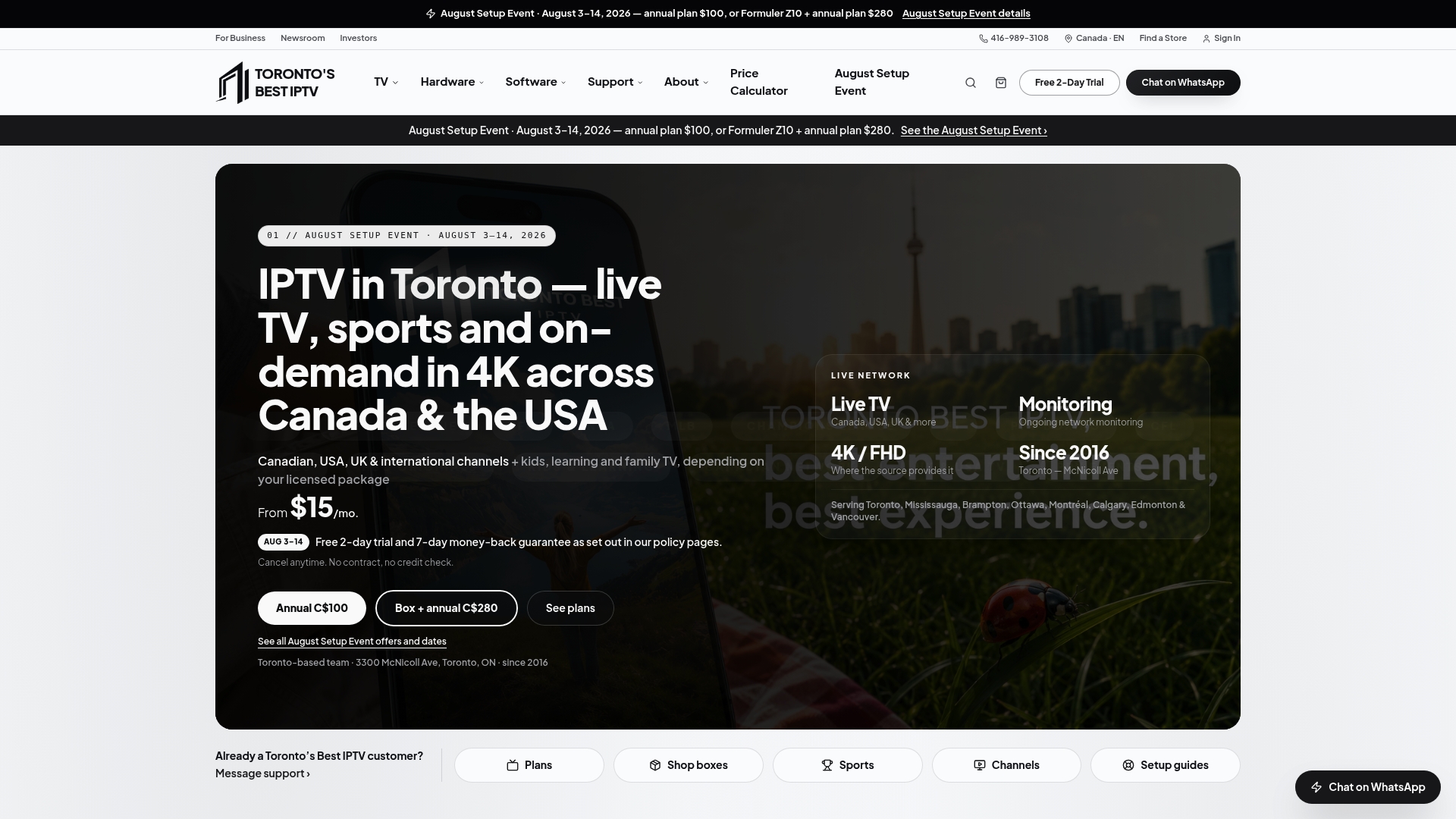
The service has served Toronto-area households since 2016, with local customer support instead of a call centre reading from a script, and kids and educational programming sit alongside the general channel lineup, which you can browse in the channel guide. A two-day free trial lets you check device compatibility and content fit before paying anything, and if you want to see plan pricing broken down further, the pricing calculator covers add-ons like the Premium VOD and 4K library. Start with the trial, confirm your kids' shows are there, and go from there.
Sources
- Kidoodle
- PBS KIDS Shows | PBS KIDS for Parents
- Amazon Kids+ deal coverage (iPhone in Canada)
- Sensical — kid-safe streaming
- Common Sense Media — best TV for kids
FAQ
What are some non-cable kids shows I can watch?
Kidoodle.TV, Sensical, and PBS KIDS all offer free, curated kids programming without a cable subscription. Subscription options like Amazon Kids+ add ad-free playback and offline downloads for a monthly fee.
What is the best alternative to cable TV in Canada?
There's no single best option. It depends on whether you want live channels or on-demand shows: free apps and broadcaster apps cover on-demand kids content, while a Canadian IPTV service covers live TV including sports and news at a lower monthly cost than most cable bundles.
What kid shows are on Crave Canada?
Crave's kids catalogue changes regularly and isn't detailed in current public listings here, so check the app directly for the latest titles. For guaranteed free kids content in the meantime, PBS KIDS and Kidoodle.TV are reliable starting points.
What are some free kids TV channels?
PBS KIDS is the clearest free option, built around early childhood educational content. Kidoodle.TV and Sensical are also free, ad-supported apps with human-curated or age-segmented kids channels.
Does Toronto's Best IPTV include kids programming?
Yes. Plans include kids and educational channels alongside the general lineup, starting from $15 a month, with a two-day free trial to check content fit before committing.