
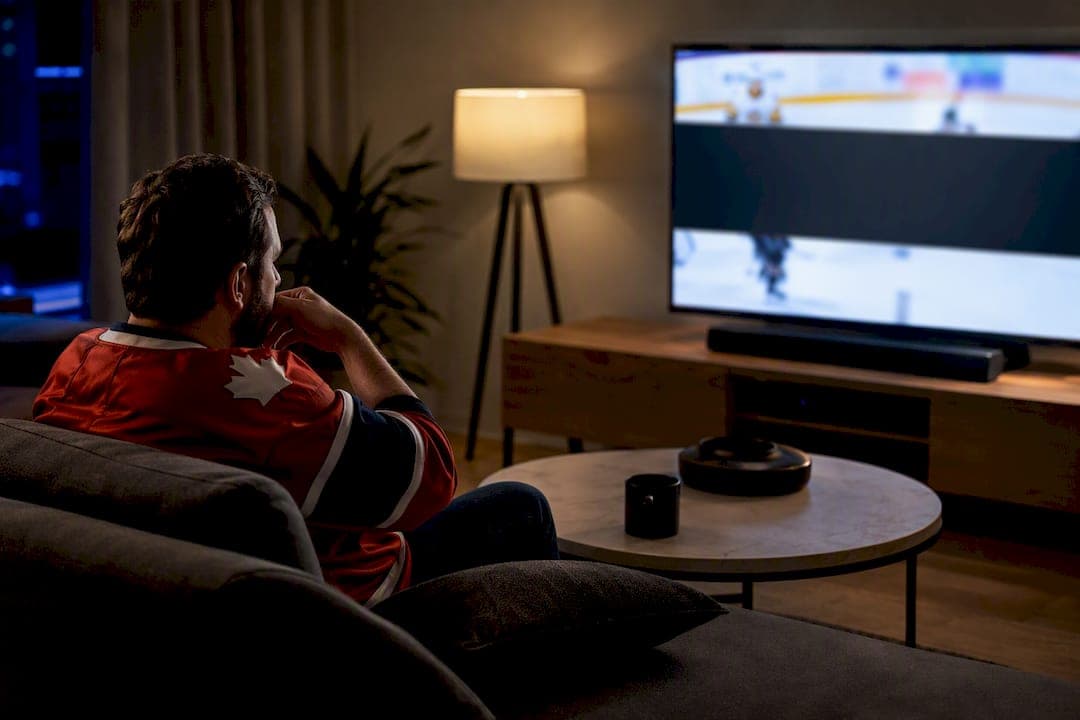
A sports blackout is a rights based, location limited ban on airing a live game. It happens because leagues sell exclusive broadcast rights by territory, and whoever holds those rights in your area gets to decide whether you see the feed. You'll find the league specific rules, the legal backstory, and the lawful workarounds broken down section by section below.
TL;DR:
- Blackouts are primarily enforced by private contracts, not government regulation, making them difficult to bypass legally.
- Location detection combines IP, GPS, and billing data, and errors often occur due to shared networks, VPNs, or outdated account details.
- Major leagues like NBA, MLB, and NHL blackout local or national broadcasts based on territorial rights, with replays often available hours after the game ends.
- Using VPNs or changing account details to evade blackouts risks account suspension and does not alter rights restrictions.
- Confirming blackout status requires checking official league tools or broadcaster services rather than relying on unofficial sources.
Table of Contents
- How sports blackouts work: layered rights and real-time enforcement
- Why blackouts exist now: commercial incentives and the evolution from ticket protection
- Legal foundation and regulation: what the law allows and where regulators stepped back
- How platforms determine your location: IP, GPS, and billing data
- League and platform examples you'll see in practice
- What to do when you see a blackout message
- Common myths and risks: VPNs, account bans, and unreliable workarounds
- A Canadian IPTV provider's view on blackout realities
- Watch more of the game without juggling five logins
- Where to verify blackout status yourself
- Sources
- FAQ
How sports blackouts work: layered rights and real-time enforcement
Every live game has a pecking order of rights holders, and your stream gets checked against that order the second you press play. National broadcast deals sit at the top. Regional sports networks (RSNs) hold the next tier, usually locked to a team's home territory. Out-of-market streaming packages, like NBA League Pass or MLB.TV, sit underneath both, which is exactly why they're the ones that get blacked out when a local or national feed already owns your market.
Here's what actually happens behind the scenes when you tap on a live game:
- The platform checks your location using your IP address, and sometimes GPS or mobile signal data.
- It cross-references that location against a blackout map tied to the two competing teams' home territories.
- If a local or national broadcaster already holds the rights in your zone, the stream is blocked, muted, or swapped for filler content.
- If you're outside any conflicting territory, the game plays normally.
A sports blackout) is fundamentally about protecting a market, not punishing a viewer, but the message on your screen rarely explains this. You'll usually see something blunt: "This game is not available in your area," an audio-only broadcast, or a note that it's viewable on demand after the final whistle. None of that is a bug. It's the system working exactly as the contracts intended.
Why blackouts exist now: commercial incentives and the evolution from ticket protection
Blackouts didn't start as a broadcast issue at all. Decades ago, leagues blacked out home games on local TV to protect ticket sales, worried that fans would stay on the couch instead of buying seats. That logic barely applies anymore. Today, blackouts protect the value of media rights deals worth billions collectively across leagues, and advertisers pay premiums specifically because a broadcast is exclusive to one channel in one market.
Exclusivity is the entire product being sold. A regional network won't pay top dollar for local game rights if a national streaming app can legally show the same game for less, or for free, in that same market. So leagues carve the country into "home territories" and guarantee each rights holder a walled garden.
- Exclusive rights let broadcasters charge more for advertising because they control the only legal feed.
- Affiliate and carriage fees from cable and IPTV providers depend on that same exclusivity holding up.
- Streaming exclusives from platforms like Amazon or Apple now create the same blackout-like effect for everyone else, fragmenting where fans need to subscribe just to watch every game.
Quick fact: the "home territory" concept from the Sports Broadcasting Act of 1961 still underpins nearly every modern blackout rule, even though the streaming landscape it was written for no longer exists.
Legal foundation and regulation: what the law allows and where regulators stepped back
Blackouts are legal mostly because Congress made them legal on purpose. The Sports Broadcasting Act of 1961 gave professional leagues a narrow antitrust exemption, letting teams pool their individual media rights and sell them as one national package. Without that exemption, teams negotiating separately would likely run afoul of antitrust law. With it, leagues gained the legal footing to divide the country into territories and sell exclusivity within them.
The Federal Communications Commission (FCC) once added its own layer on top: a rule that forced cable providers to black out home games that weren't sold out locally. The FCC repealed that specific rule in 2014, deciding it no longer needed to referee ticket-driven blackouts. That repeal did not touch the private contracts between leagues and networks, which remain the actual engine behind blackouts today, according to the FCC's own consumer guidance.
- The 1961 act legalized pooled, exclusive media rights sales for major leagues.
- The FCC's narrow blackout rule (tied to unsold tickets) ended in 2014.
- Contractual blackouts, unaffected by that repeal, are enforced by leagues and broadcasters, not regulators.
- Legal challenges rarely succeed because the underlying contracts are private business agreements, not government mandates.
If you're hunting for recourse, don't expect a regulatory fix. The FCC's page is useful for understanding why blackouts persist, but it won't get a specific game unblocked.
How platforms determine your location: IP, GPS, and billing data
Streaming services rarely rely on a single signal to figure out where you are. Most combine your IP address with mobile GPS data when available, then cross-check that against the billing postal code on your account, according to ESPN's own support documentation. Desktop and smart TV apps tend to lean harder on IP address, while mobile apps often use GPS as a tiebreaker when the IP data looks ambiguous.
This layered approach explains why blackouts sometimes misfire. Here's what commonly trips the system up, and how to check it:
- Shared or corporate IPs can register you in the wrong city entirely, especially on office or hotel networks. Try switching to your home Wi-Fi or mobile data.
- VPNs and proxy services frequently get flagged outright, sometimes blocking access even in your true home market. Turn them off before troubleshooting anything else.
- Outdated billing details can anchor your account to an old address. Confirm your postal code and billing information are current in your account settings.
- Mobile location services turned off can force a platform to fall back on a less reliable IP-only check. Enable location permissions for the app specifically.
League and platform examples you'll see in practice
Blackout behaviour isn't uniform across leagues, and knowing the pattern for your sport saves a lot of frustration.
- NBA League Pass blacks out nationally televised games in your home market, and in Canada, those games typically become available on demand roughly three hours after the final buzzer. Playoff rounds carry their own separate blackout logic, so don't assume regular season rules carry over.
- MLB.TV blacks out your local team's games regardless of which network is airing them, protecting regional sports network deals. Replays are often available through the league's own game availability locator around 90 minutes after the final out.
- NHL streaming leans heavily on blackout detector tools that map your postal code against team territories, since RSN and national rights (in Canada, that's often Sportsnet or TSN) interact differently game by game.
- National broadcasters like Sportsnet and TSN sit above out-of-market apps in the Canadian rights hierarchy, which is why a nationally broadcast NHL or NBA game frequently blacks out the league's own streaming app in favour of the broadcast network.
- CFL games generally face fewer blackout restrictions than the four major US leagues, since domestic broadcast deals are structured more nationally than regionally.
For a broader look at how these carriers fit together in Canada, our sports channel streaming shortlist breaks down what's airing where.
What to do when you see a blackout message
Seeing "not available in your area" doesn't mean the game is unreachable, it just means you're looking in the wrong place. Work through these steps in order:
- Check the league's official blackout checker or schedule page first. NBA, MLB, and NHL all publish tools or listings that show exactly which market is blacked out and why.
- Log in through your TV provider credentials on the broadcaster's app or website. Many regional blackouts lift entirely once you authenticate with a cable, satellite, or IPTV login tied to the right region.
- Look for the local broadcast on the actual channel holding the rights, whether that's a national network or a regional sports feed.
- Consider a public venue or a radio and audio-only feed if the visual broadcast is unavailable but you still want the game live.
- Wait for the on-demand window if timing isn't critical. Most leagues post replays within a few hours.
- Contact support directly if none of the above works, and be ready to share your IP address and postal code. That's the exact data they need to diagnose whether you're wrongly flagged.
Pro Tip: Screenshot the exact blackout message you see before contacting support. Wording varies (blocked, audio-only, "check local listings"), and the specific phrase often tells a support agent which of the three location signals is causing the mismatch.
Common myths and risks: VPNs, account bans, and unreliable workarounds
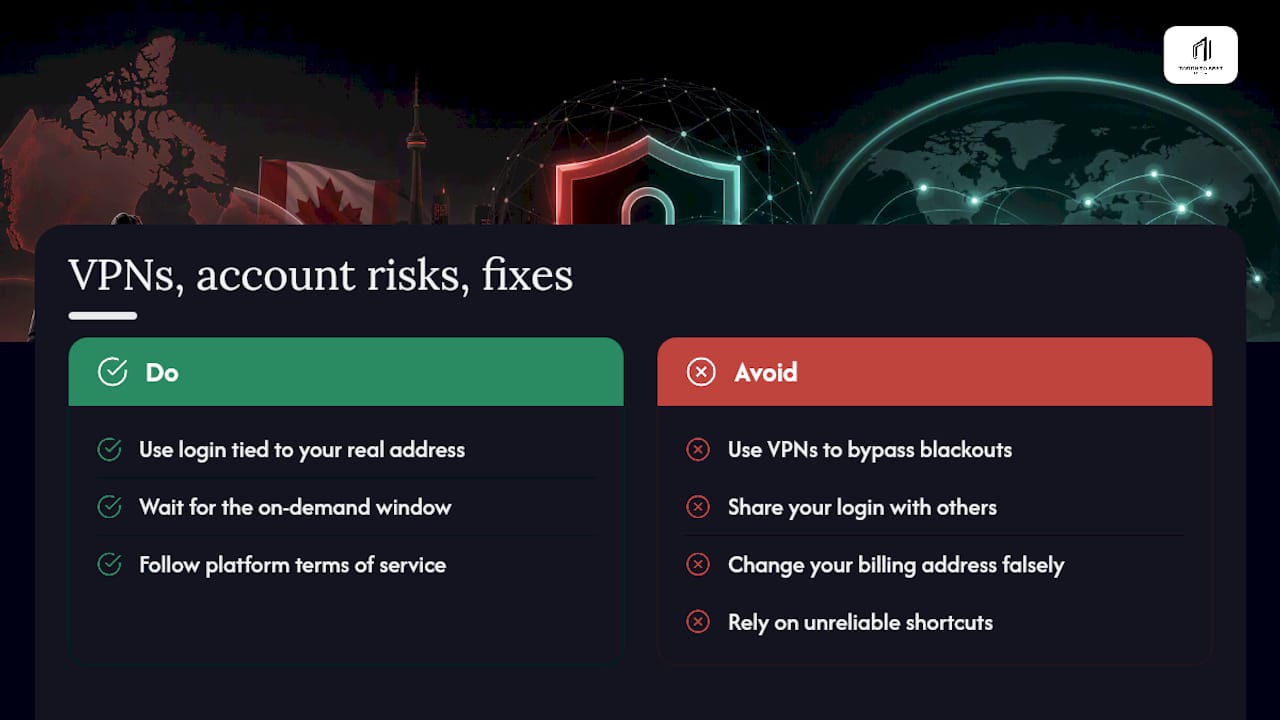
VPNs feel like the obvious fix, but most major leagues actively detect and flag VPN traffic, which can trigger a hard block rather than solve one. Some platforms go further and flag the account itself for repeated violations, risking suspension. Handing your login to a friend in a different market, or changing your billing address to somewhere you don't live, breaks the terms of service you agreed to and carries the same account risk. None of these shortcuts change who actually holds the rights in your real location. The safer route is boring but reliable: use the login tied to your legitimate address, or wait for the on-demand window.
A Canadian IPTV provider's view on blackout realities
Running an IPTV service in Toronto since 2016 means fielding blackout questions constantly, especially during NHL and NFL season. Our stance is straightforward: we help customers access a broad legitimate channel lineup through Canadian edge routing built to cut buffering on live sports, but we never tell anyone a blackout can be bypassed illegally. We advise the same checks outlined above, confirming account location, checking official broadcaster logins, and using league blackout tools before assuming something's broken.
— Aj
Watch more of the game without juggling five logins
Chasing down every blacked-out game across five different apps gets old fast, especially during NHL and NFL season when three games overlap and none of them are on the same platform. A service exists addressing that problem by offering Canadian edge routing aimed at reducing buffering on live sports, a broad channel lineup spanning Canada, the US, and international feeds, and a two day free trial to test the service before paying.
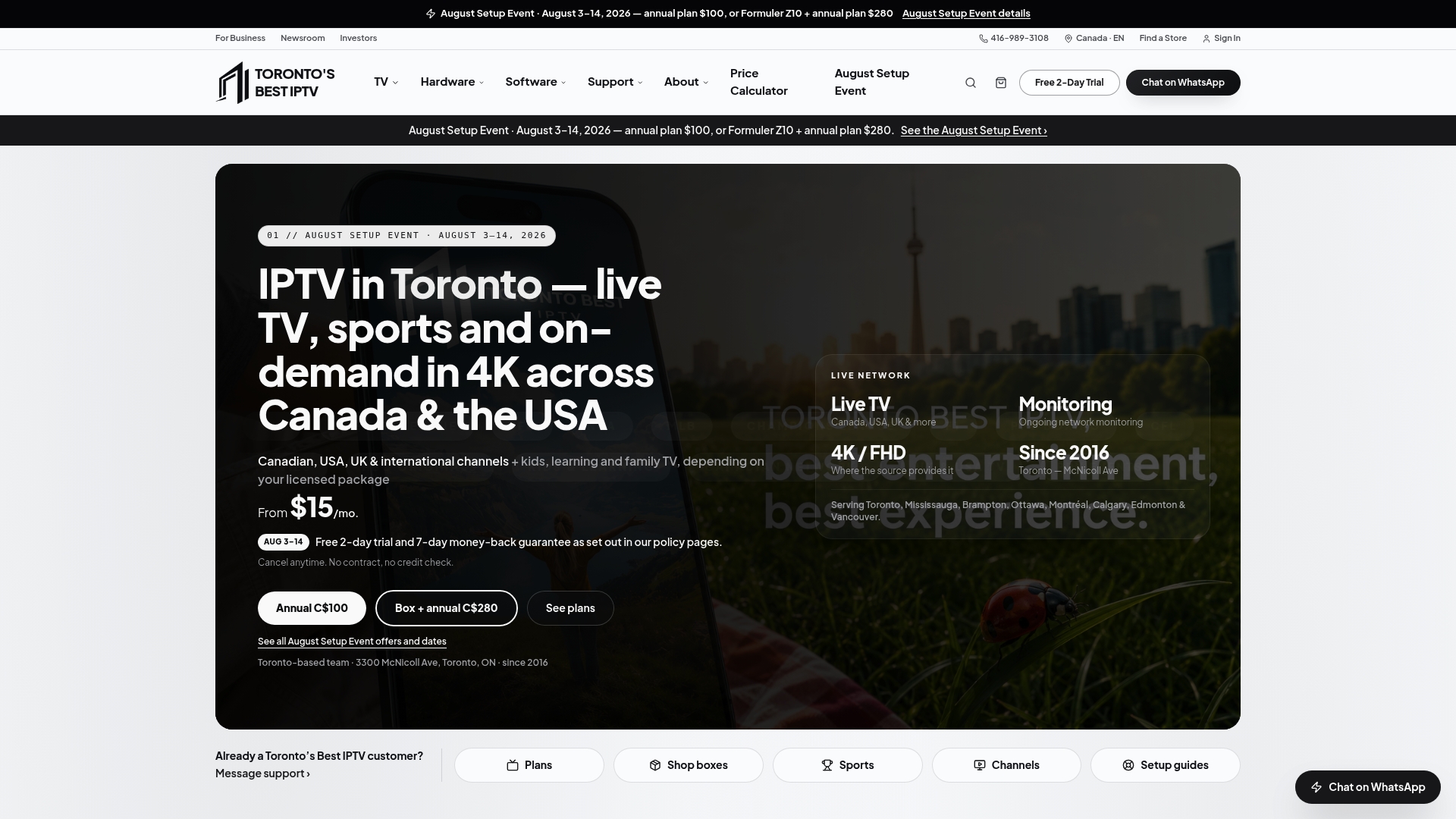
The All-Sports pass at $4 a month adds a dedicated sports tier on top of your base plan, which starts at $15 a month, and our sports IPTV lineup covers NHL, NFL, Premier League, MLB, and UFC. It's worth knowing this isn't a blackout bypass. If a game is contractually blacked out in your region, that restriction still applies no matter what service you're streaming through, and you'll still want your official broadcaster or TV provider login for those specific matchups. Where Torontobestiptv earns its spot is everything else: consolidating the channels that aren't blacked out into one reliable, fast interface instead of five separate apps. Check our plans page to see what fits your household, or start the two day trial and judge the buffering for yourself during a live third period.
Where to verify blackout status yourself
Official sources beat forum guesses every time when you need to confirm a specific game's status.
- NBA League Pass blackout policy for on-demand timing and playoff rules
- MLB game availability locator for local team and replay windows
- FCC's consumer guide on sports blackouts for the legal history and current federal stance
- ESPN's blackout support page for how location detection actually works
Sources
- What is a blackout? How is my location determined if the event is blacked out? — ESPN support
- Sports blackouts — FCC consumer guide
- What do blackout restrictions mean for sports fans? — LegalClarity
- League Pass blackouts — NBA support
FAQ
How do sports blackouts work?
A platform checks your location through IP address, GPS, or billing data, then compares it to a blackout map showing which rights holder owns your market. If a local or national broadcaster already holds those rights, the out-of-market stream gets blocked.
What is the point of an MLB blackout?
MLB blackouts protect the value of regional sports network deals by preventing MLB.TV from airing your local team's games in the same market the RSN has already paid to cover exclusively.
What's the point of an NBA blackout?
NBA blackouts on League Pass exist so national broadcasters and regional networks retain the exclusive audience they paid for; in Canada, those nationally televised games typically show up on demand about three hours later.
Is there a way to get around an MLB blackout?
The lawful options are logging in through your TV provider credentials, watching the local broadcast holding the rights, or waiting for the replay window roughly 90 minutes after the game ends. VPNs and address changes violate terms of service and risk account suspension rather than solving the underlying rights conflict.