

The fastest way to watch Portuguese channels online depends on where you're sitting. Inside Portugal, official apps like RTP Play or TVI Player work instantly and cost nothing. Outside the country, you need a VPN pointed at a Portuguese server to unlock those same apps, or a subscription IPTV service that bundles Portuguese channels alongside everything else you already watch. There's no single "best" answer here, just the right tool for what you're trying to do.
Here's how to pick fast:
- Want free news and catch-up clips? Start with RTP Play or TVI Player.
- Want live football or Sport TV coverage reliably? A VPN with strong Portugal-based servers is your best bet.
- Want every major channel in one place with no fiddling? Subscription IPTV, like Toronto's Best IPTV, tends to deliver the smoothest day-to-day experience.
Key Takeaways
Reliable access to Portuguese channels online comes down to matching the right tool, official apps, a VPN, or subscription IPTV, to what you're actually trying to watch.
| Point | Details |
|---|---|
| Start with official apps | RTP Play, TVI Player and SIC's free tier cover most live and catch-up needs at no cost. |
| VPNs unlock geo-blocked content | A VPN with confirmed Portugal servers restores access to region-locked broadcaster platforms. |
| Aggregator apps carry real risk | Free "live TV" apps often just link to unstable public streams that break during high-demand moments. |
| Bandwidth determines picture quality | Live sports need at least 8 to 10 Mbps for stable HD, and — for 4K. |
| IPTV suits full-time, multi-device viewers | Toronto's Best IPTV bundles Portuguese and international channels with Canadian edge routing, starting at $15 a month with a two-day trial. |
Table of Contents
- Official Portuguese broadcaster platforms you can use right now
- How geo-restrictions and licensing rules affect access outside Portugal
- Using a VPN to unblock Portuguese channels: setup and what to look for
- What IPTV services offer and why they solve the reliability problem
- Watching on your phone, smart TV, or streaming box
- What Portuguese TV streaming actually costs
- Fixing buffering, region errors, and login problems fast
- Why testing matters more than marketing claims
- A Canada-friendly way to watch Portuguese channels without the setup hassle
- Official links worth bookmarking
- Sources
Official Portuguese broadcaster platforms you can use right now
Before you touch a VPN or sign up for anything, check what the broadcasters themselves offer. Portugal's biggest channels all run their own streaming platforms, and several are genuinely good.
RTP Play is the public broadcaster's answer to Netflix, minus the subscription fee. It streams RTP1, RTP2, RTP3 and RTP Memória live, plus a deep catch-up library of news, dramas and documentaries. RTP Play runs on iOS, Android, Apple TV, Android TV and any web browser, and you don't need an account for most content. It's the closest thing to a universal starting point for Portuguese TV.
TVI Player covers Portugal's most-watched private network, including its telenovelas and entertainment programming. It publishes both a live stream and recent episode replays directly through its own player, with apps for major mobile and TV platforms. Some premium content sits behind a login, but the live channel itself is usually open.
SIC and Opto SIC work similarly. SIC's free player carries live programming and a rotating catch-up selection, while Opto SIC (the network's paid tier) unlocks its full back catalogue, including telenovelas from the start and exclusive series. If you only want the live signal, the free version usually does the job.
Sport TV is where things get trickier. It's the main home for Portuguese football, and most of its live coverage sits behind a subscription tied to a Portuguese telecom account, similar to how MEO Go bundles channels for MEO customers but often requires a paid add-on for viewing outside the home network. Expect to need either a local subscription or a workaround for match days.
Porto Canal is a regional channel out of Porto, with a lighter footprint but a functional live stream and web player covering local news and culture. It's a good example of a smaller broadcaster that's still worth checking directly rather than assuming it isn't available.
- RTP Play: free, live and on-demand, works on nearly every device.
- TVI Player: free live stream, some catch-up content gated behind login.
- SIC / Opto SIC: free live tier, paid Opto tier for full library access.
- Sport TV: mostly subscription-gated, tied to Portuguese telecom accounts.
- Porto Canal: free, smaller catalogue, regional focus.
Pro Tip: Before assuming a channel is unavailable, check the broadcaster's own live page and search your device's app store directly. Availability changes more often than third-party roundups suggest, and the broadcaster's official channel pages are the most current source you'll find.
How geo-restrictions and licensing rules affect access outside Portugal
Portuguese broadcasters don't block foreign viewers by accident. They license content region by region, often paying for the rights to show a show, film or football match only within Portugal's borders. When you connect from Canada, your IP address tells the platform where you are, and the platform enforces the contract it signed by refusing the stream or showing a generic "not available in your region" message.
Sport TV is the clearest example. Live football rights are usually sold on a country-by-country basis, so a broadcaster showing Primeira Liga matches in Portugal may have zero rights to show that same match to a Canadian IP address. Some RTP Play catch-up content behaves the same way, even though the live channel itself stays open internationally.
This is where the legal picture gets murky for a lot of viewers. Using a VPN to change your apparent location isn't illegal in Canada, and browsing a foreign broadcaster's public website isn't either. What matters more is the platform's own terms of service, which frequently prohibit circumventing geographic restrictions. In practice, enforcement against individual viewers is rare, but it's worth knowing that a VPN puts you in a grey area relative to a broadcaster's TOS rather than a clean legal green light.
Unofficial "free live TV" apps carry more risk than most people expect. Many simply aggregate links to publicly available streams rather than hosting anything themselves, and their own developer disclaimers often say exactly that. When a stream disappears mid-match or the app throws ads you didn't expect, that's the tradeoff of relying on aggregated links instead of a maintained platform.
Watch for these warning signs on any app or site claiming free access to every Portuguese channel:
- No mention of which company or broadcaster actually operates the app.
- App store description says it "aggregates" or "lists" streams rather than broadcasting them directly.
- Reviews mention frequent outages during live sports, when demand spikes.
- The app requests unusual permissions unrelated to video playback.
None of this means every free option is a scam. Roundups of legitimate free Portuguese TV sites do exist and list real official channels, but they also warn that availability shifts and that open-web aggregators are the least stable of the bunch, especially the moment a big match kicks off.
Using a VPN to unblock Portuguese channels: setup and what to look for
A VPN works by routing your internet traffic through a server in another country, which makes broadcaster sites believe you're browsing from Portugal instead of Canada. That's the entire mechanism, and it's the same trick that lets Portuguese platforms see a Portuguese IP address and unlock content they'd otherwise refuse.
Not every VPN handles this well. Before subscribing to one, check for:
- Portugal server locations. A VPN with no servers physically in Portugal can't fake that location convincingly.
- Consistent speed during peak hours. A VPN that slows to a crawl during evening streaming windows defeats the purpose.
- A track record of actually unblocking broadcaster sites. Some VPNs get detected and blocked by streaming platforms faster than others.
- Unlimited or generous bandwidth. Live sports and HD streams add up quickly over a billing cycle.
- A clear privacy policy, since you're routing your traffic through a third party.
Setup itself is straightforward on most devices:
- Sign up for a VPN service with confirmed Portugal server locations.
- Install the app on your phone, computer or streaming device.
- Connect to a server located in Portugal specifically, not just "Europe."
- Clear your browser cookies and cache, since broadcaster sites sometimes cache your last known location.
- Open the broadcaster's app or website and try streaming.
If the platform still shows a geo-error after that, work through this checklist before giving up:
- Switch to a different Portugal server. Some are more reliably unblocked than others.
- Clear cookies and cache again, then reload the page from scratch.
- Disable IPv6 on your device, since it can sometimes leak your real location around the VPN tunnel.
- Restart the VPN app and reconnect fresh rather than just reloading the stream.
- Contact the VPN's support team. Reputable providers track which servers work with which broadcasters and can point you to a working one.
Pro Tip: Test your VPN's Portugal connection on a broadcaster's live page during off-peak hours first. If it can't hold a stable connection when nobody else is competing for bandwidth, it definitely won't hold up during a Sunday-night football match.
One last note on legality: VPNs themselves are legal to use in Canada, and using one to access region-locked streaming is extremely common practice. Just know you're operating within the broadcaster's terms of service, not outside Canadian law, and treat any "guaranteed unblock" marketing claim with a healthy amount of skepticism.
What IPTV services offer and why they solve the reliability problem
IPTV stands for Internet Protocol Television, and it means exactly what it sounds like: TV channels delivered over your internet connection instead of a satellite dish or cable line. Instead of hunting down individual broadcaster apps or fighting a VPN connection every time you want to watch, an IPTV subscription bundles hundreds of channels, including Portuguese and international ones, live sports, and on-demand libraries, into one service and one app.
The appeal comes down to consistency. Free aggregator apps and open-web streams are unstable by design because they depend on links other people maintain, or don't. A subscription IPTV provider manages its own infrastructure, which tends to hold up far better during high-demand moments like a live match.
Here's the honest trade-off:
- Pros: broader channel selection than any single broadcaster app, works across most devices from one subscription, live sports and international channels bundled together, generally more stable during peak viewing.
- Cons: monthly cost instead of free, quality varies significantly between providers, and you need to vet a provider's reliability and legitimacy before committing.
When evaluating any IPTV provider, look for a few concrete signals rather than marketing copy:
- A trial period you can actually test before paying.
- Confirmed device compatibility for whatever you own, phone, smart TV, streaming box.
- Local network routing that keeps buffering down during your peak viewing hours.
- Responsive customer support, ideally in your own time zone.
- A clear refund or cancellation policy.
Toronto's Best IPTV fits this pattern for Canadian households specifically. Plans start at $15 a month, the service uses Canadian edge routing to cut down on buffering during live sports, and a two-day free trial lets you test channel access and stream quality before paying anything.
Pro Tip: During any IPTV trial, deliberately test during your busiest viewing window, not just a quiet Tuesday afternoon. A provider that looks flawless at 2 p.m. can behave very differently during Saturday night primetime.
Watching on your phone, smart TV, or streaming box
Your device dictates how painless this whole process feels. Here's what to expect on each.
Phone and tablet (iOS/Android): Official apps like RTP Play install directly from the App Store or Google Play. For VPN-dependent access, install your VPN app first, connect to a Portugal server, then open the broadcaster app fresh so it picks up the new location.

Desktop browser: This is the easiest environment to test in, since you can connect a VPN and load a broadcaster's website in seconds with no app install required. It's also the best place to confirm a VPN actually works before setting anything up on a TV.
Apple TV: RTP Play has a native Apple TV app. For anything requiring a VPN, you'll typically need to configure the VPN at your router level, since Apple TV doesn't support most VPN apps directly.
Android TV / Android TV boxes: These are the most flexible option, since Android TV supports both broadcaster apps and VPN apps natively through the Google Play Store, no router-level workaround needed.
Amazon Fire TV / Firestick: Some official Portuguese apps aren't listed in the Amazon App Store, which means sideloading through a tool like Downloader. VPN apps, by contrast, are usually available directly.
Pre-configured IPTV boxes: These typically arrive with the provider's app already installed and connected, which sidesteps app-store availability and sideloading questions entirely.
Pro Tip: Test a new VPN or IPTV subscription in a browser on your laptop before installing anything on your Fire TV or Apple TV. It's faster to troubleshoot on a device with a keyboard than on a remote control interface.
What Portuguese TV streaming actually costs
Budget expectations vary a lot depending on which route you take. Official broadcaster apps are free when you're physically in Portugal, but Sport TV and some premium catch-up libraries require a Portuguese telecom subscription regardless of location. VPN subscriptions typically run as a flat monthly or annual fee on top of whatever broadcaster access you're trying to unlock, and they don't guarantee access to paywalled content, only geo-blocked free content. Subscription IPTV rolls everything into one predictable monthly cost, starting around $15 a month for Toronto's Best IPTV's entry plans.
Whichever path you choose, test it properly during any trial window. Watch live sports specifically, since that's when demand spikes and weaker services show their limits. Check performance during evening peak hours, not just during a quiet afternoon.
Bandwidth matters more than most people realize until a stream starts stuttering mid-match:
- If you're streaming on mobile data, HD quality can burn through a data cap fast during a full match.
- Wired or strong Wi-Fi connections consistently outperform weak signals for live sports specifically.
Fixing buffering, region errors, and login problems fast
Most Portuguese streaming problems fall into a handful of predictable categories, and most have a five-minute fix.
Buffering: Run a speed test first. If your connection is below the recommended threshold for your quality tier, drop to a lower resolution or switch to a wired connection.
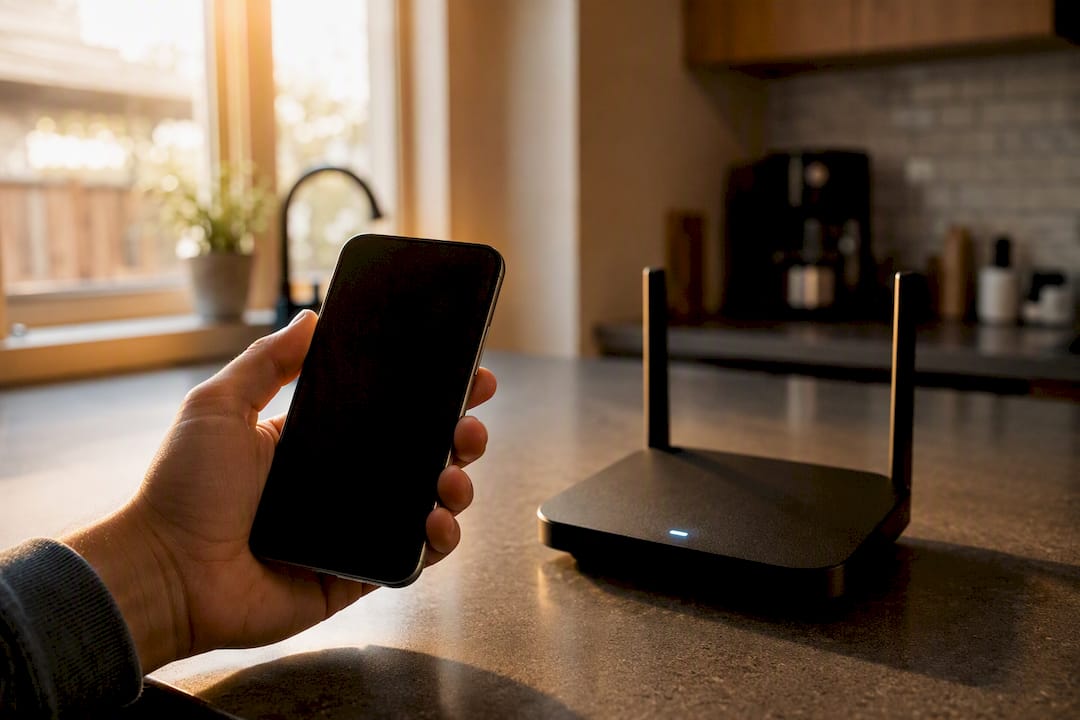
Region or geo-errors: Clear your cookies and cache, then reconnect your VPN to a different Portugal server. Sometimes a specific server gets flagged by the broadcaster while others still work fine.
Login failures: Double-check you're using the correct account type. Some broadcaster platforms distinguish between free accounts and paid tiers like Opto SIC, and a free login won't unlock premium content no matter how many times you retry.
App crashes: Update the app first. Broadcaster apps update frequently to patch region-detection logic, and an outdated version is a common cause of unexplained crashes.
Audio or video sync issues: Restart the app completely rather than just reloading the stream. This clears buffered data that's often the real culprit.
- Test speed before troubleshooting anything else.
- Restart your device, not just the app.
- Switch VPN servers if a region error persists.
- Clear cache and cookies on both browser and app-based platforms.
- Check whether your ISP throttles streaming traffic during peak hours.
Pro Tip: Live sports punish weak connections harder than any other content type. Switch to a wired Ethernet connection or the 5 GHz Wi-Fi band before a big match, not after the stream starts stuttering.
Why testing matters more than marketing claims
Any provider can claim reliability. What actually separates a stable streaming experience from a frustrating one comes down to a short list of testable criteria: confirmed server locations, sustained speed during peak hours, and real device compatibility rather than a vague "works on most devices" claim.
The most useful VPN test isn't a single connection check. It's whether the same server holds up during a live football match, when thousands of other viewers are competing for the same bandwidth. The same logic applies to IPTV providers: a trial period only tells you something useful if you stress-test it during your actual peak viewing time, not a quiet weekday afternoon.
A provider's real value shows up during the moments that matter most, not during a calm midweek test run. Anyone can look stable at 2 p.m. on a Tuesday.
During any trial, whether it's a VPN or an IPTV subscription, check three things specifically: whether the full channel list actually loads and plays, whether live sports hold up without stuttering, and whether the same account works cleanly across more than one device at once.
- Server locations: confirm Portugal (or your target region) is actually listed and functional.
- Peak-hour performance: test during evening hours, weekends, and live sporting events specifically.
- Device compatibility: verify your specific phone, TV, or box model, not just the general platform.
- Support responsiveness: send a test question before you need urgent help.
Canadian edge routing, the kind Toronto's Best IPTV builds around, matters here because it shortens the physical distance your data travels before reaching your screen. Combined with support based in the same time zone as your household, it tends to cut down on the setup friction that trips up a lot of first-time IPTV subscribers.
A note on why we rank these options the way we do
We put official broadcaster apps first because they're free, legitimate, and often good enough on their own, especially for news and catch-up viewing. VPNs come second because they solve the geo-blocking problem directly but add a layer of setup and occasional troubleshooting most casual viewers don't want to deal with every time they sit down to watch something.
IPTV earns its spot last only in sequence, not in quality. For Canadian households juggling multiple devices, live sports schedules, and family members who all want different things playing at once, a well-routed IPTV subscription tends to remove more daily friction than either of the other two options. That preference comes from watching how Canadian edge routing and local support consistently shorten setup time for readers new to streaming hardware.
A Canada-friendly way to watch Portuguese channels without the setup hassle
If juggling a VPN connection or checking three different broadcaster apps every night sounds like more effort than you want to put into watching TV, Toronto's Best IPTV skips that entirely by bundling Portuguese and international channels into one subscription built for Canadian households.
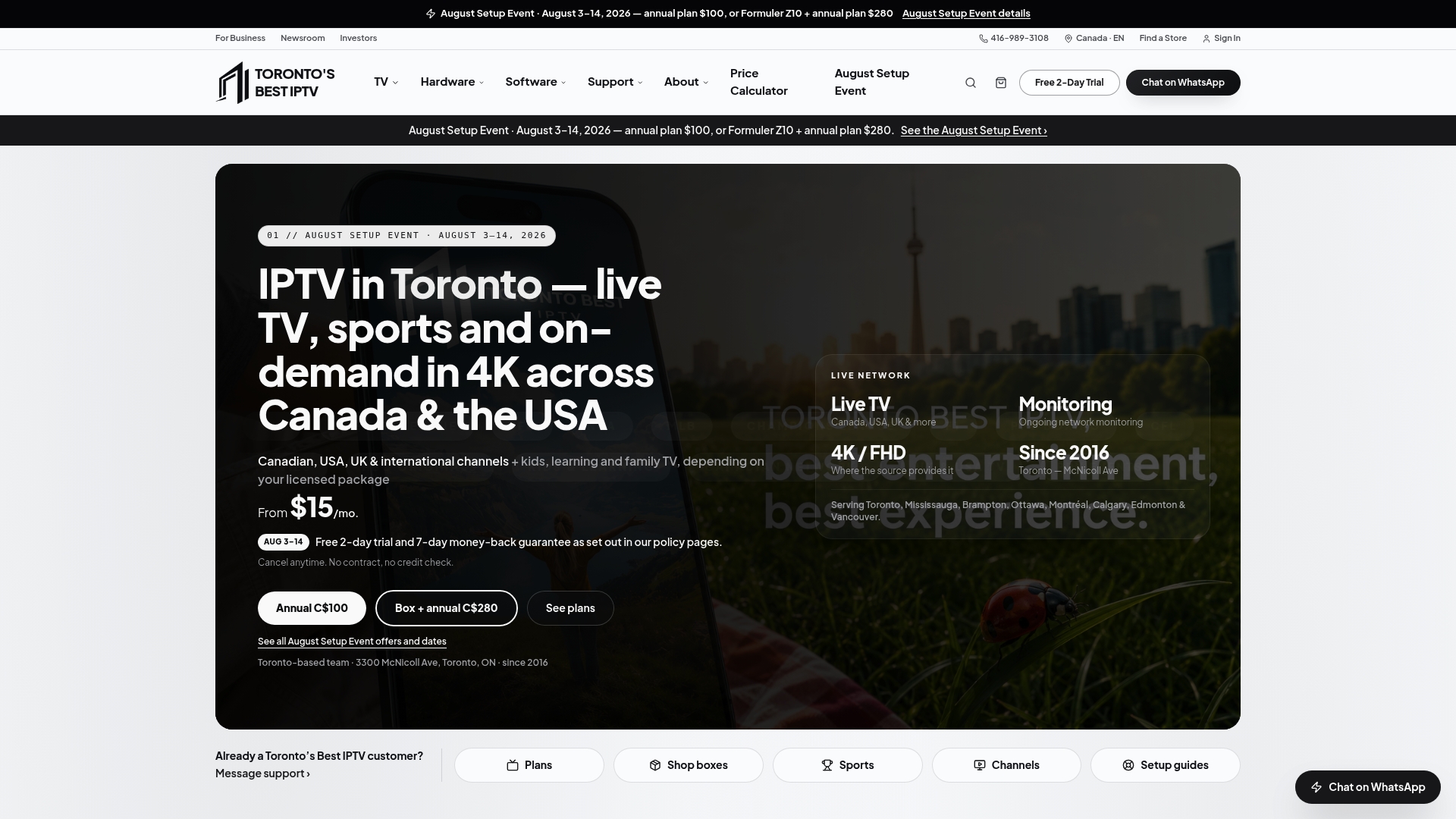
The service uses Canadian edge routing to keep load times fast and buffering low, which matters most during live sports when everyone else on your network is also streaming. Plans start at $15 a month, and every plan comes with access across your phone, smart TV, Android TV box, or Fire Stick, no sideloading or router-level VPN configuration required. If you'd rather have a device that's ready out of the box, pre-configured IPTV boxes with a two-year warranty are also available.
Before committing, take advantage of the two-day free trial and use it the way this article recommends testing anything: check the full channel list, watch a live sports broadcast during peak hours, and try streaming on more than one device at once. That's the real test of whether a service holds up when it counts. To see what's included and get started, visit the complete guide to IPTV in Canada and start your trial today.
Official links worth bookmarking
Stick with these when you need the freshest availability information rather than a third-party summary.
- RTP Play for live and on-demand RTP channels.
- TVI Player for TVI's live stream and recent episodes.
- MEO Go for telecom-bundled channel access including Sport TV.
- RTP's official channel page for confirming device support and current availability.
Official broadcaster pages update faster than any roundup article, this one included, so treat them as the final word on what's actually streaming today.
Sources
- How to watch Portuguese TV online outside of Portugal
- Português TV - Televisão Portuguesa on-line
- RTP Play
- MEO Go – your TV anywhere | MEO
- 7 Websites to Watch Portuguese TV Online for Free