
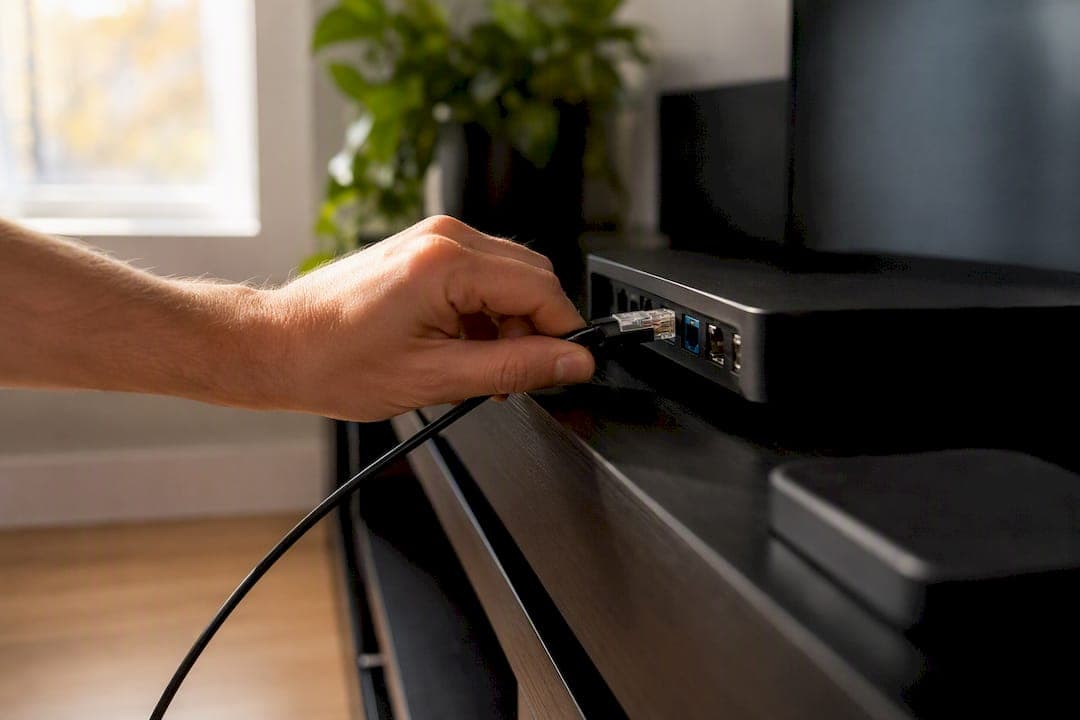
For most households with a stable broadband connection, switching to IPTV saves money and gives you more freedom over how you watch. The main trade-off is that your viewing now depends on your internet holding up, and some regional sports or broadcast rights may not carry over exactly the way they did on cable. Your best move isn't to cancel cable today. It's to run a reputable IPTV trial in parallel while your existing service stays active, so you can test everything from picture quality to live sports before you commit.
Here's what that first step actually looks like:
- Pick a provider with a genuine trial period, not a "money-back guarantee" that requires a fight to invoke.
- Keep cable running during the trial. Don't touch your cancellation until you've confirmed everything works.
- Test the events that matter most to you. A Tuesday afternoon test tells you nothing about how the service handles a Saturday night hockey game.
TL;DR:
- A stable broadband connection with at least 10 to 25 Mbps is essential to ensure smooth HD and 4K IPTV streaming during live sports and events.
- Running a reputable IPTV trial while keeping your cable active allows you to verify picture quality, live event performance, and device compatibility under real conditions.
- Using Ethernet or Wi-Fi 6 improves stability and reduces buffering issues, especially during peak hours when network congestion is common.
- Confirming your provider’s live event streaming, device limits, and EPG accuracy during the trial helps prevent surprises before canceling cable.
- Legal considerations and provider legitimacy should be part of your due diligence, as unreliable services may pose stability and legal risks.
Table of Contents
- Why switch to IPTV: the real benefits and the honest trade-offs
- What do you need before switching to IPTV?
- Step-by-step: how to switch to IPTV without losing a single game
- How do you set up IPTV on your device?
- Why is my IPTV buffering, and how do you fix it?
- What most switching guides get wrong about IPTV
- Ready to try IPTV without the risk of switching blind?
- Key Takeaways
- Sources
Why switch to IPTV: the real benefits and the honest trade-offs
Cable and satellite packages in Canada routinely bundle sports tiers, regional add-ons, and equipment rental fees that push a monthly bill well past $100. IPTV strips a lot of that out because it delivers channels over your existing internet connection instead of a dedicated coaxial or satellite feed, which means no truck rolls, no rented set-top boxes, and no multi-year contracts tying you down.
The savings show up in three places. First, there's no equipment rental. Second, most IPTV plans bundle sports, international, and on-demand content together instead of charging per tier. Third, you can usually add screens for a small monthly fee rather than a full second cable line.
Device flexibility is the other half of the pitch. IPTV runs through apps, so the same subscription can follow you between a living room smart TV, a phone on the subway, and a laptop at a cottage with decent Wi-Fi. Picture quality can match or beat cable, but it's tied directly to your broadband speed and stability, not to a coaxial signal your provider guarantees.
None of this is free of risk. If your internet drops, your TV drops with it. And because broadcast distribution in Canada is shaped by CRTC carriage rules, some regional or exclusive sports rights can behave differently across services. Weigh that against the upside before you commit:
- Lower monthly cost in most comparisons, especially once you factor out rental fees
- Multi-device access without paying for a second physical line
- Picture quality that scales with your internet, for better or worse
- Some regional broadcast exclusivity gaps depending on the provider
What do you need before switching to IPTV?
Before you download a single app, check three things: your internet speed, your hardware, and how your provider hands you access.
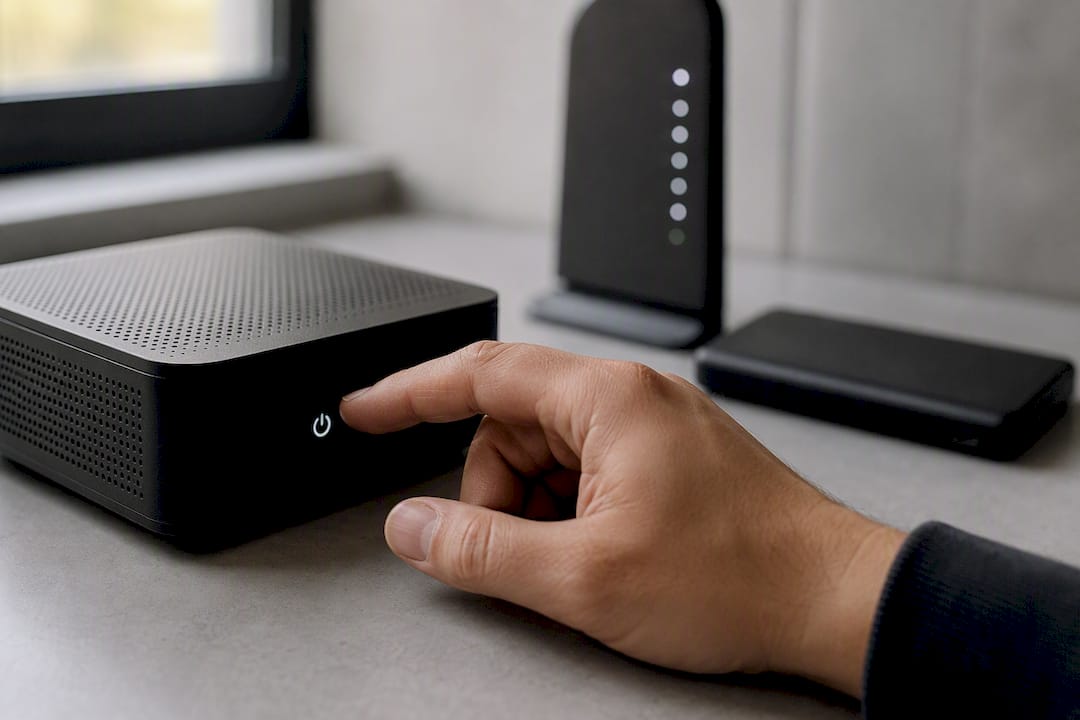
Speed first. A single high-definition stream generally needs 10 to 15 Mbps of steady bandwidth. For a reliable single 4K stream, providers commonly recommend closer to 25 Mbps, and you'll want more headroom if two or three people are streaming different channels in the same house at once.
Connection type matters almost as much as raw speed. Wired Ethernet is the gold standard because it removes Wi-Fi interference from the equation entirely. If Ethernet isn't practical, connect on the 5 GHz band with a Wi-Fi 6 router rather than the older, more congested 2.4 GHz band most older routers default to.
- Confirm your internet plan's advertised speed against a real speed test, run during evening peak hours.
- Choose your device: a Fire TV stick, an Android TV box, an Apple TV, a recent smart TV, or even a phone or tablet all work.
- Get your login details from your provider, either an M3U playlist link or Xtream Codes-style credentials.
- Let the electronic program guide (EPG) populate fully before judging channel accuracy. A half-loaded EPG looks broken but usually just needs a few minutes.
Pro Tip: Test your speed at 8 p.m. on a weeknight, not 10 a.m. Peak-hour congestion is where cheap internet plans and older routers usually show their weaknesses.
Step-by-step: how to switch to IPTV without losing a single game
The safest way to switch from cable to IPTV is to overlap the two services just long enough to prove the new one works under real conditions, not ideal ones.
- Start a trial while cable stays active. Choose a provider with a legitimate trial window and treat it as a genuine test, not a formality.
- Test during the events you actually care about. If you're a hockey household, watch a live game during the trial, not a rerun. Check the EPG's accuracy and pay attention to latency, the small delay between the actual play and what shows on your screen.
- Verify device and stream limits. Confirm how many screens can run simultaneously on your plan and test it with everyone in the house watching something different at the same time.
- Review your cable contract before you call to cancel. Look for early-termination fees or bundled-discount clawbacks tied to your internet or phone service.
Once you're confident, cancelling cable should follow this sequence:
- Call rather than cancel online. You'll usually reach someone faster and get a clearer paper trail.
- Ask directly for a confirmation number and write it down.
- Expect a retention offer. Decline it if IPTV has already passed your live-event test.
- Arrange equipment return and get written confirmation you're no longer being billed for it.
How do you set up IPTV on your device?
Most players follow the same basic activation pattern regardless of which device you're using: install the player app, enter your server URL and login credentials, then let the guide populate.
Fire TV doesn't allow every player app through its official store, so many setups use the Downloader app to sideload a player like TiviMate directly. Android TV boxes usually support the same apps straight from the Google Play Store without extra steps. Apple TV and recent smart TVs each have their own quirks worth walking through individually.
Once the app is installed and your credentials are in, run these checks before you call it done:
- Open a live channel and confirm audio and video are in sync.
- Flip through five or six channels quickly to see how fast the app switches.
- Compare the EPG's listed program against what's actually airing.
Torontobestiptv publishes device-specific walkthroughs, including a step-by-step Apple TV activation guide and an Android TV box setup tutorial, alongside a full setup guide hub covering other devices. Official player apps are also available through the Apple App Store if you'd rather avoid sideloading altogether.
Pro Tip: Test channel switching speed before you test picture quality. A stream that looks great but takes eight seconds to change channels will frustrate you faster than a soft picture ever will.
Why is my IPTV buffering, and how do you fix it?
Buffering almost always traces back to one of three causes: ISP congestion during peak hours, Wi-Fi interference in your home, or a low bitrate on the provider's end.
- Restart your router. It sounds obvious, but it clears a surprising share of temporary congestion issues.
- Switch to Ethernet if you're currently on Wi-Fi, even temporarily, to isolate whether the problem is wireless interference.
- Run a speed test at the exact time you're seeing problems, not the next morning when your connection might be behaving fine.
- Change your DNS to a public option like 8.8.8.8 or 1.1.1.1, which occasionally resolves loading delays tied to your ISP's default DNS servers.
- Prioritize your streaming device through your router's Quality of Service settings if other devices in the house are competing for bandwidth.
If your speed test looks fine and the problem persists across multiple channels, that points to the provider's servers, not your network, and it's worth contacting their support directly. If your speed test itself is inconsistent or below what you're paying for, that's a conversation for your internet provider, not your IPTV service.
What most switching guides get wrong about IPTV
Most advice on switching to IPTV treats the decision like a spreadsheet exercise: compare the monthly price, compare the channel count, pick a winner. That misses the part that actually determines whether you'll be happy six months from now, which is whether the service holds up during the one broadcast you can't afford to lose.
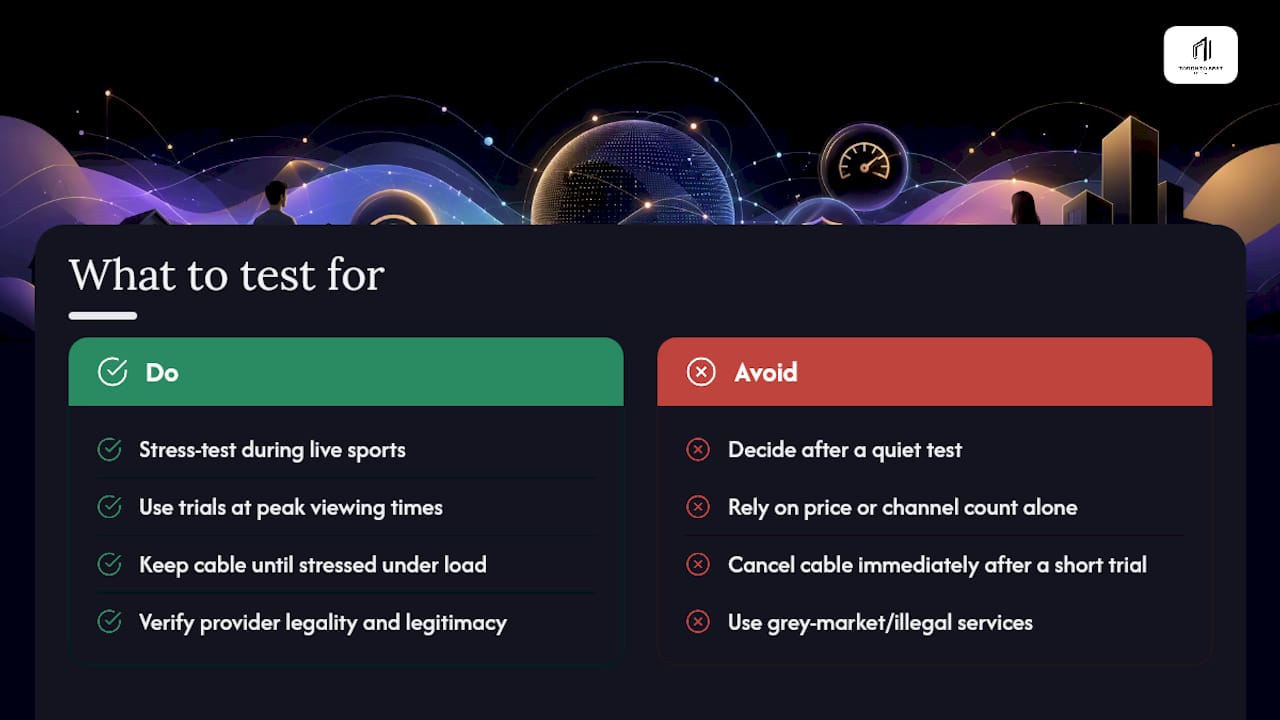
A trial that only gets tested on a quiet Tuesday afternoon tells you almost nothing. Live sports, especially high-viewership games, are where bitrate limits, server congestion, and latency problems actually surface. If a provider can't hold a clean stream during a playoff game, no channel count or price point makes up for that.
I'd also push back on the instinct to cancel cable the moment a trial "seems fine." Reputable providers offer trials specifically so you can stress-test the service under real conditions, not to rush a decision. Canadians researching this switch should treat legality and provider legitimacy as part of that same due diligence. CBC's reporting on federal enforcement against piracy sites is a useful reminder that grey-market services carry real legal and stability risk, not just a slightly worse picture.
— Aj
Ready to try IPTV without the risk of switching blind?
Torontobestiptv has been running Canadian edge routing since 2016, which is the specific piece of infrastructure that keeps live sports like NHL and NFL games buffering-free during the moments cable providers would call "peak load." Plans start at a modest monthly rate, and every new subscriber gets a free multi-day trial to test channels, sports events, EPG accuracy, and simultaneous streams before spending a dollar.
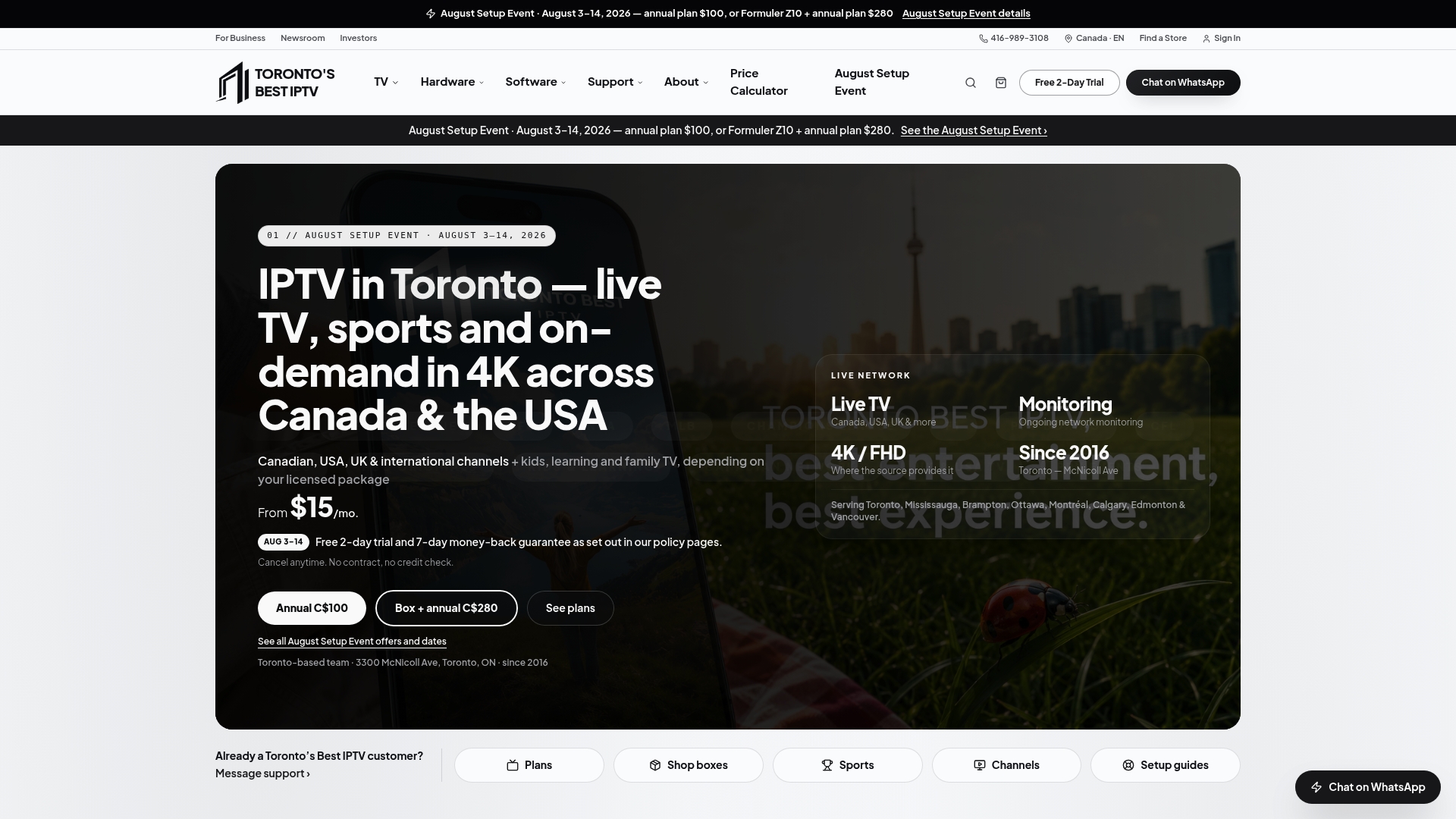
Use those two days properly. Load your household's most-watched channels, catch at least one live game, and check how the service behaves with two or three devices running at once. Torontobestiptv's device setup guides walk you through activation on nearly anything you own, and the pricing calculator helps you estimate your actual monthly cost across multiple devices before you commit. If you'd rather skip the app-hunting altogether, the shop carries pre-configured boxes with a two-year warranty, ready to plug in.
Keep your cable active until the trial has proven itself. Then head to Torontobestiptv to pick a plan and finish the switch on your terms.
Key Takeaways
Switching to IPTV pays off for most Canadian households with stable broadband, provided they test thoroughly during live events before cancelling cable.
| Point | Details |
|---|---|
| Test before you cancel | Run a trial alongside active cable and watch a live sports event before deciding. |
| Check your speed first | Aim for at least 10 to 15 Mbps for HD and closer to 25 Mbps for a single reliable 4K stream. |
| Wire it if you can | Ethernet beats Wi-Fi for stability; use 5 GHz or Wi-Fi 6 if wireless is your only option. |
| Cancel cable carefully | Call to cancel, get a confirmation number, and confirm equipment return in writing. |
| Torontobestiptv's trial route | A two-day free trial, plans from $15 a month, and Canadian edge routing let you test sports reliability before committing. |