
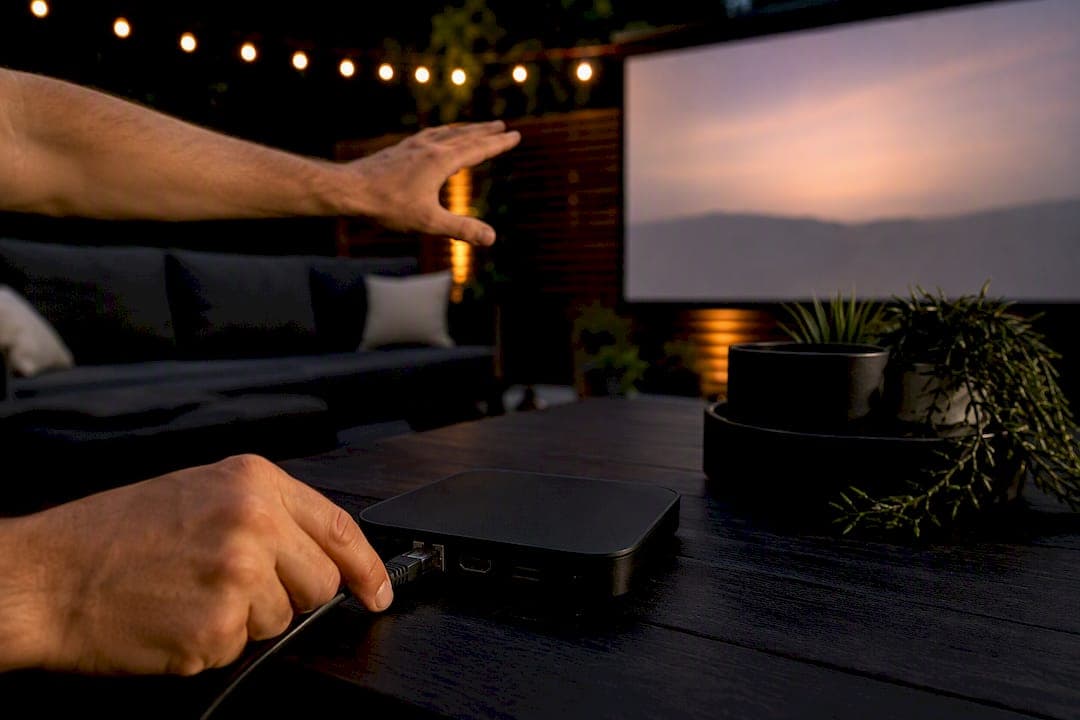
For most households, a dedicated streaming box beats a smart TV's built-in apps on speed, app support, and how long it stays useful. If you're a casual viewer who mostly watches Netflix and YouTube, a good smart TV is fine on its own. If picture quality is your top priority, buy the best TV panel you can afford and treat the streamer as secondary. If you rent, move often, or want your setup portable, a streaming stick or box travels with you.
- Casual viewer: stick with your smart TV's apps until they feel slow.
- Picture-first buyer: invest in the TV panel; streamers can't fix a weak display.
- Renter or frequent mover: a streaming stick is lighter and easier to pack.
Key Takeaways
A dedicated streaming box typically outperforms a smart TV's built-in apps in speed and software longevity, while the TV's own panel still decides the final picture quality.
| Point | Details |
|---|---|
| Streaming boxes usually win on speed | Dedicated processors and cooling keep menus and app launches snappier over years of use. |
| The TV sets the picture ceiling | HDR10, Dolby Vision, and Atmos need matching support on both the TV and the streamer. |
| Pairing both is often smartest | Add a streamer to an aging smart TV instead of replacing the whole display. |
| Ports decide reliability | Ethernet and USB matter most for stable 4K HDR streaming and local media playback. |
| Torontobestiptv offers a supported path | Pre-configured boxes like the Formuler Z10 Pro carry a two-year warranty and local Canadian support. |
Table of Contents
- Streaming box vs smart TV: the quick comparison
- Why performance and responsiveness favour a streaming box
- Do you need matching HDR and Dolby support?
- How do app support and software updates compare?
- What does it actually cost over time?
- Streaming stick or streaming box: which form factor wins?
- Who should buy which, and when should you own both?
- What to check before you buy
- A supported option for Canadian streamers
- Sources
Streaming box vs smart TV: the quick comparison
The gap between these two setups shows up the moment you start switching apps. A smart TV bundles everything into one remote and one power cord. A streaming box adds a second device, a second remote, and usually a noticeably snappier menu.
- Performance: streaming boxes tend to launch apps faster and stutter less over time, according to PCWorld's testing.
- Cost: smart TVs bundle the cost in; streamers add a modest extra cost on top.
- Upgrades: swap a $50 streamer in five minutes versus replacing an entire television.
- Picture: the TV panel sets the ceiling; the streamer just feeds it a signal.
- Apps: streamers usually get updates longer than budget smart TV software.
Why performance and responsiveness favour a streaming box
Smart TVs pack in every feature a television needs, from picture processing to a dozen input ports, and that leaves less room for a powerful processor. Most budget and mid-range smart TVs run modest chips with limited RAM, which is fine on day one but starts to show cracks after a couple of software updates pile on. PCWorld notes that this weaker hardware often leads to sluggish menus and longer app load times as the TV ages.
Dedicated streaming boxes and sticks are built around one job: running apps quickly. They typically ship with more dedicated memory and better cooling for sustained use, which matters if your household juggles Netflix, a sports app, and a kids' profile in the same evening. Hands-on reviews from Rolling Stone consistently find external streamers deliver cleaner interfaces and fewer crashes than many built-in smart TV platforms.
- Watch for app-launch delays and menu stutter when browsing in-store demo units.
- Multi-user households and frequent app-switchers feel the difference most.
Pro Tip: When testing a device in-store, open three different apps back-to-back and time how long each takes to load. A one-second gap now often becomes a five-second gap after two years of updates.
Do you need matching HDR and Dolby support?
Picture and audio quality depend on both ends of the chain, not just one. HDR10 and Dolby Vision control colour and contrast range, while Dolby Atmos handles spatial audio. For any of these to actually work, both your TV and your streaming device need to support the same standard.
A streaming device cannot improve the display capabilities of an older TV. Modern 4K streamers require the television to match the same picture standard, or you simply won't see the benefit, no matter how good the box is.
That's the trap a lot of buyers fall into: they assume a $150 4K HDR streamer will make an aging 1080p television look like a new set. It won't. PCMag's device testing confirms both the TV and the streamer need matching support for full 4K HDR results.
- Check your TV's spec sheet for HDR10, Dolby Vision, and HDMI 2.1 before buying a streamer.
- Confirm the streamer lists the exact same formats, not just "4K compatible."
- If your panel tops out at 1080p, save the money and skip a 4K box entirely.
How do app support and software updates compare?
Software is where smart TVs quietly age out. A television's brand largely decides its ecosystem, and update policies vary widely between manufacturers. CNET's comparison points out that ecosystem alignment often matters more than raw specs: Apple households usually get more out of Apple TV, while Amazon Prime users lean toward Fire TV.
Streaming boxes tend to hold onto software support longer than budget-tier smart TVs, which manufacturers often stop updating within a few years. That gap matters because a dropped update means apps eventually stop working altogether, not just running slowly.
- Neutral-OS streamers (like Google TV) suit households without strong brand loyalty.
- Ecosystem-tied devices integrate more smoothly with voice assistants you already use.
- Check app store availability in your region before assuming a device supports everything.
What does it actually cost over time?
A basic smart TV typically runs $300 to $900, while streaming sticks sit between $30 and $60 and boxes land between $100 and $200. The sticker price only tells half the story.
Say your smart TV starts lagging in year three. Replacing the whole television costs hundreds of dollars. Adding a $50 streaming stick instead solves the same problem for a fraction of the price, and MakeUseOf's analysis backs this up as the standard fix for an aging TV.
- Budget smart TV: $400 upfront, likely replaced by year 5.
- Smart TV plus $50 streamer refresh at year 3: cheaper over four years than a full TV swap.
- Factor in subscription costs and any extra device fees when comparing total spend, using a pricing calculator if you're juggling multiple streaming services.
Streaming stick or streaming box: which form factor wins?
Sticks plug directly into the HDMI port and disappear behind the TV. Boxes sit beside it, usually with more ports and stronger cooling for sustained 4K playback.
- Sticks: cheaper, portable, ideal for travel or a second TV.
- Boxes: Ethernet and USB ports, better thermal headroom, steadier 4K HDR streaming.
Ethernet matters most if your Wi-Fi struggles with 4K HDR content or you stream a lot of live sports where buffering ruins the moment.
Pro Tip: If your TV's HDMI ports are hard to reach, a short HDMI extender cable lets you plug in a bulkier box without straining the connection.
Who should buy which, and when should you own both?
- Casual viewer: your smart TV's apps are already good enough. Save your money.
- Picture-first buyer: the TV panel is what you're paying for; a streamer changes nothing about contrast or colour.
- Renter or frequent traveller: a stick moves with you and works on any hotel TV with an HDMI port.
- Multi-user household with heavy app-switching: a streaming box's extra memory earns its keep here.
- Sports fan: performance and low buffering matter most during live games, which favours a dedicated box.
If your current smart TV feels sluggish but the picture still looks great, add a streamer rather than replacing the whole set. That combined setup is often the smartest compromise: keep the display, refresh the software.
What to check before you buy
- Confirm your TV supports the same HDR and audio formats as any streamer you're considering.
- Check the device's operating system and whether your go-to apps are actually available in your region.
- Look up the manufacturer's update history. A brand that stopped supporting three-year-old models is a red flag.
- Verify Ethernet and USB ports are present if your Wi-Fi is unreliable or you play local media files.
- Ask about warranty length. A short warranty on a "smart" device usually signals a short software lifespan too.
Walk away if the app store looks thin, if updates stopped over a year ago, or if there's no Ethernet option and your household streams 4K sports regularly.
A supported option for Canadian streamers
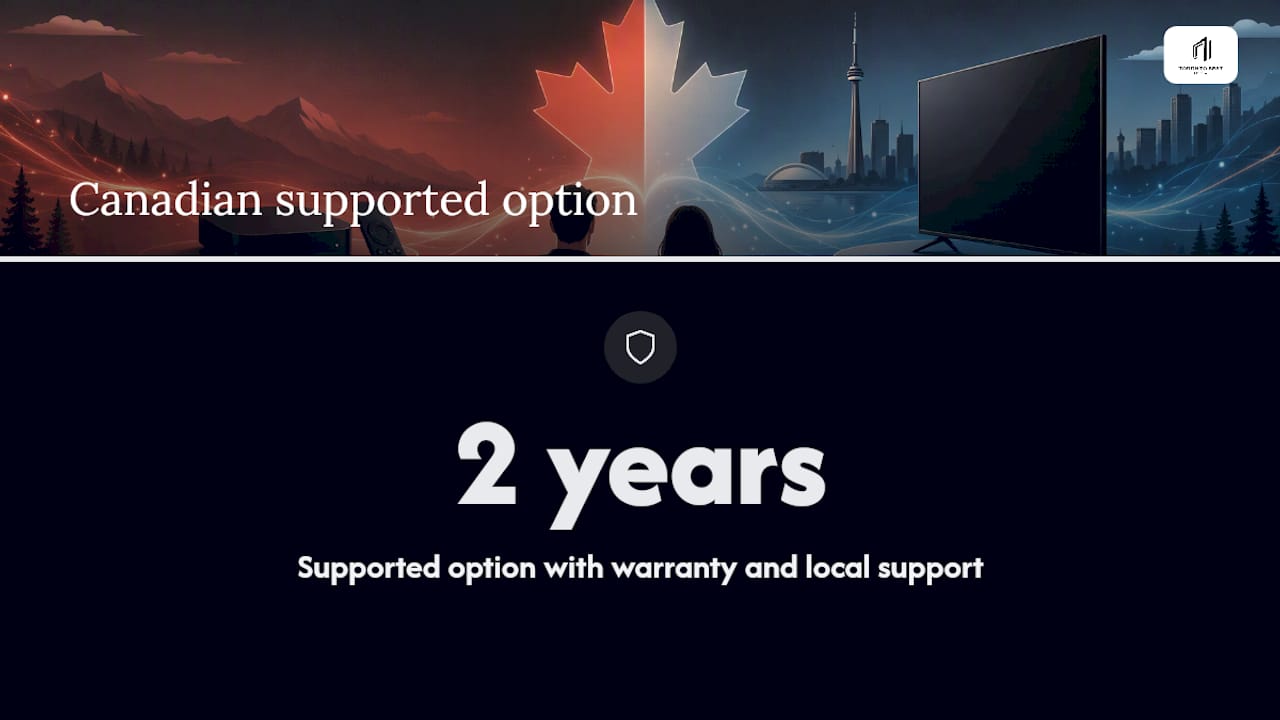
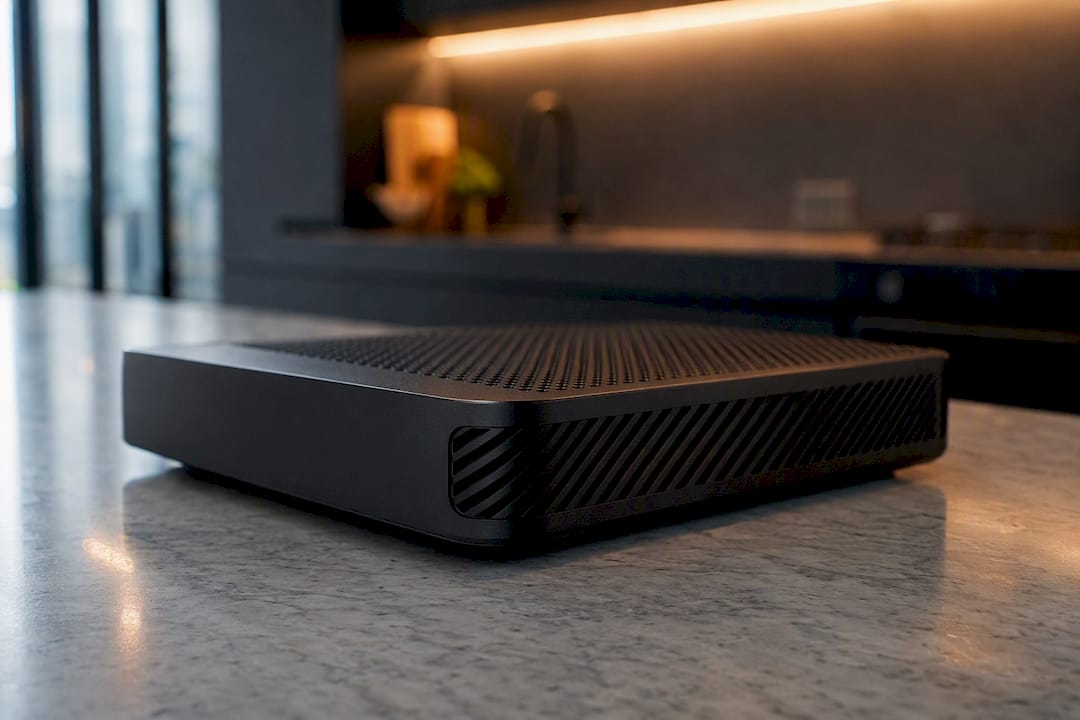
If you'd rather skip the trial-and-error, Torontobestiptv sets up pre-configured boxes like the Formuler Z10 Pro and the YokaTV IPX2, both built with the ports and processing power this guide talks about. Every box ships with a two-year warranty and local Canadian support, so you're not troubleshooting alone if something goes sideways. It's not the only route to good streaming, but it's a genuinely supported one.
Pro Tip: Compare the exact specs of these boxes side by side on our IPTV box comparison page before deciding which fits your household.
What I've noticed testing these setups
Boxes with real Ethernet ports and decent RAM hold up far better after two years than anything running on a smart TV's stock software. That's not a knock against smart TVs, it's just physics: more memory and steadier cooling age better. When I compare notes across the devices this guide covers, the pattern repeats: dedicated hardware consistently outlasts bundled hardware.
Get live TV running without the guesswork
Buying the right device solves half the equation. The other half is what you watch on it. Torontobestiptv gives you a plug-and-play path to live TV and sports in Canada, with edge routing built to cut buffering during big NHL and NFL moments, all without a long-term contract. Every subscription starts at $15 a month, backed by local Canadian support and a two-year warranty on pre-configured boxes from the shop. Try it with the two-day free trial and see how it runs on your own setup before you commit to anything.
Sources
- Smart TV or streaming stick: Which is better in 2026? | PCWorld
- The best media streaming devices | PCMag
- Smart TV vs. streaming devices | MakeUseOf
- The Best Streaming Devices, Tested & Reviewed from Roku, Apple, Google | Rolling Stone