
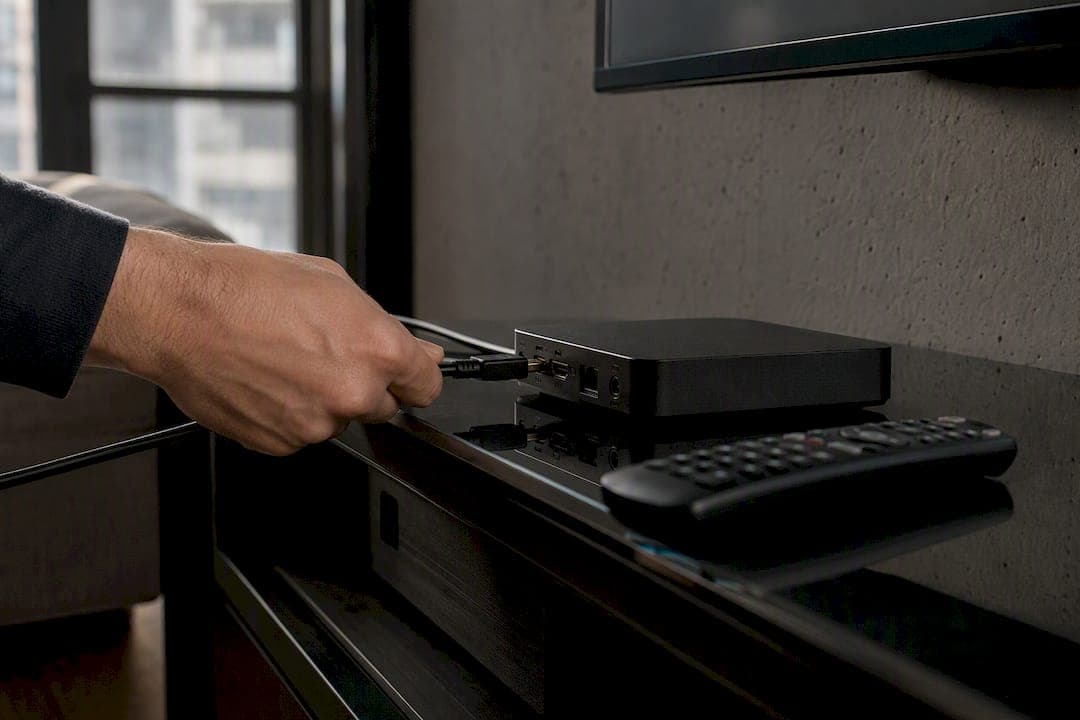
You get STB Emu running by installing the app, creating one profile, and entering your portal URL plus MAC address, then picking a matching STB model. That's the whole job. Everything else is just making sure those four pieces line up correctly.
Before you touch the app, check off these basics:
- Android 7.0 or newer on your TV box or device
- A working portal URL from your IPTV provider
- A MAC address (or device ID) tied to your subscription
- A stable, wired or strong Wi-Fi connection
Pro Tip: Write your portal URL and MAC address in your phone's notes app before you start. Typos in these two fields cause most first-time setup failures.
Roughly a large share of setup complaints trace back to a mistyped portal address rather than a broken app, according to the developer's own store listing.
Key Takeaways
STB Emu setup succeeds when the portal URL, MAC address, and STB model all match what the provider issued, with everything else being secondary.
| Point | Details |
|---|---|
| Install correctly first | Use Google Play for free or Pro; sideload only from trusted sources on Android TV boxes. |
| Portal URL is the anchor | Retype it carefully; a stray character is the most common setup failure. |
| Match the STB model | Wrong model or firmware causes portal rejection even with a valid MAC address. |
| Fix Pro sync delays | Trigger a remote install from the Google Play website if a Pro purchase doesn't appear. |
| Skip the manual work | Toronto's Best IPTV offers preconfigured boxes and guided setup starting at $15 a month. |
Table of Contents
- What is STB Emu, and how is it different from an M3U player?
- How do you install STB Emu on your device?
- How do you create a profile and enter the portal details?
- Why do STB model, firmware, and device ID settings matter?
- How do you fix common STB Emu errors?
- Should you upgrade to STB Emu Pro?
- Is STB Emu safe and legal to use?
- What settings actually reduce buffering?
- When does STB Emu make sense versus other setups?
- Want someone else to handle the configuration?
- Where can you find more setup help?
- Frequently asked questions
- Sources
What is STB Emu, and how is it different from an M3U player?
STB Emu emulates legacy Infomir MAG set-top boxes, including models like the MAG 250, MAG 270, and MAG 322, so your Android device can connect to Stalker Portal style IPTV services. That's a different animal from an M3U player.
M3U apps load a simple playlist file and start playing. STB Emu doesn't work that way. It needs a portal URL and STB-style credentials to authenticate with the middleware server, much like the original hardware box would.
- STB Emu: portal URL + MAC address, no playlist file
- M3U player: single playlist link, no portal authentication
Pro Tip: If your provider gave you a portal link and a MAC address instead of an .m3u file, STB Emu (or a physical MAG box) is the correct tool, not a standard player.
How do you install STB Emu on your device?
- Open the Google Play Store on your Android TV box or Android device.
- Search for "STBEmu" and install the free version, or search "STBEmu Pro" if you've already decided to skip ads.
- Launch the app once to confirm it opens to the profile screen.
If you bought Pro but it isn't showing up after purchase, that's a known Google Play sync delay. Open the Play Store on a browser, find STBEmu Pro, and trigger a remote install to your device. That usually forces the purchase through within minutes.
- Enable "unknown sources" in your device settings only if sideloading
- Use a trusted downloader app for Android TV
- Verify the APK source before installing anything outside Google Play
Pro Tip: Sideloading works fine on TV boxes without Play Store access, but only pull APKs from sources you recognize. A corrupted or tampered file can compromise your device.
How do you create a profile and enter the portal details?
Getting the profile right is the whole game. Follow this order:
- Open STB Emu and double-tap anywhere on the home screen to bring up the hidden menu.
- Go to Settings → Profiles → Add profile.
- Name the profile anything memorable, like your provider's name.
- Under Portal settings, enter your Portal URL (typically something like
http://provider-portal.com/c/). - Set the Portal language to match your provider's default, usually English.
- Scroll to STB configuration and enter your MAC address (format:
00:1A:79:XX:XX:XX). - Toggle Send device ID on if your provider requires it.
- Save the profile and select it to connect.
- Choose "internal" portal if your provider gave a local network address, "external" for a public domain
- Only enable the HTTP proxy field if your provider explicitly told you to use one
- After saving, watch for a loading channel list within 10 to 15 seconds
Pro Tip: If the screen just spins after saving, don't keep tapping. Back out, recheck the portal URL for a stray space or missing slash, and try again.
| Point | Details |
|---|---|
| Portal URL format | Confirm it ends correctly (often with /c/) exactly as your provider specified. |
| MAC address format | Use colon-separated hex pairs; a single wrong character blocks activation. |
| Device ID toggle | Only enable "Send device ID" if your provider's instructions ask for it. |
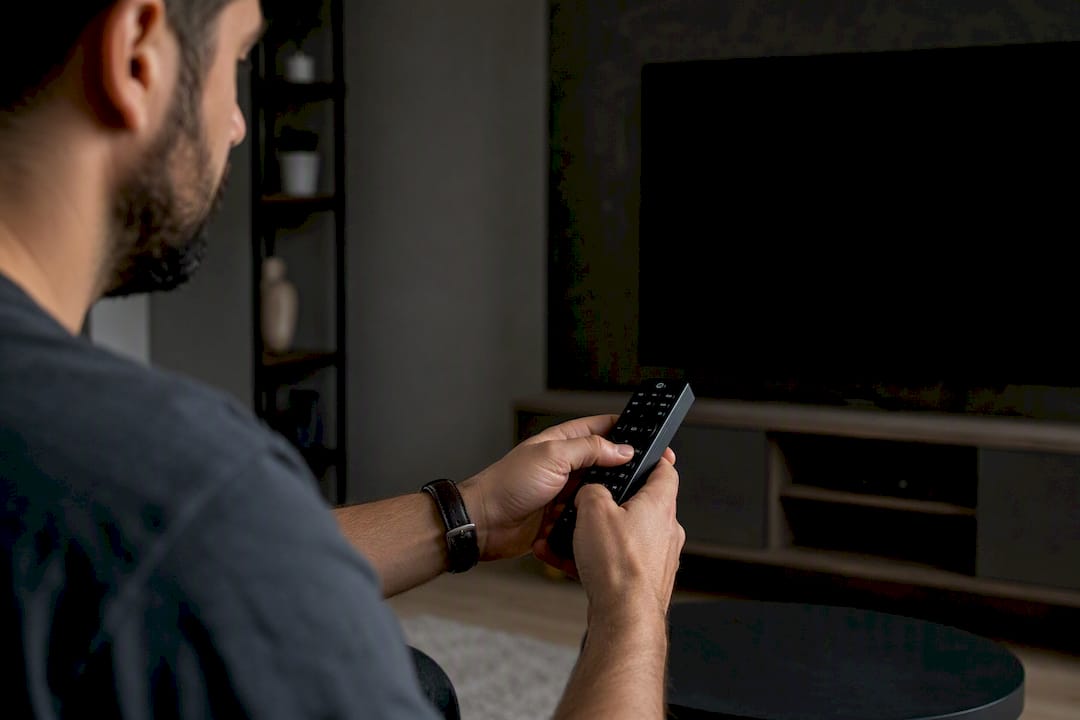
Why do STB model, firmware, and device ID settings matter?
Portals check the emulated hardware fingerprint before granting access. Pick the wrong STB model or firmware, and the portal may reject the connection outright, even with a correct MAC address.
- Start with MAG250 if your provider doesn't specify a model
- Try "Generic" firmware only if your provider explicitly supports it
- Enable MAC-based device ID when your provider ties the subscription to that MAC specifically
- Use a custom device ID only when support tells you to
Media playback settings matter almost as much. STB Emu lets you adjust the UDPXy server URL, stream protocol, and cache size. A cache size around 3 to 5 MB usually smooths out minor network hiccups without adding noticeable delay to channel changes.
Pro Tip: If channels load but freeze every few minutes, bump the cache size up slightly before assuming it's a network problem.
How do you fix common STB Emu errors?
Most failures come down to five checkpoints. Work through them in order:
- Portal not loading: retype the portal URL, watching for trailing slashes or typos.
- Invalid MAC error: confirm the MAC is activated on your provider's end, not just entered correctly.
- Wrong STB model: switch to the exact model your provider recommends, then reload.
- Network issues: test the connection on another app to rule out a router or ISP problem.
- Stale profile: delete and recreate the profile if nothing else works.
- Blank screen after loading: often a stream protocol mismatch, try switching HLS to HTTP or back
- Pro purchase missing: use the Google Play web remote install trick covered in the installation section
- Portal times out repeatedly: confirm the provider's server isn't down before touching your settings further
Support notes consistently point to configuration errors rather than the app itself as the root cause of most reported problems.
Pro Tip: Take a screenshot of the exact error screen before contacting your provider's support. It saves several rounds of back-and-forth troubleshooting.

Should you upgrade to STB Emu Pro?
The free and Pro versions share the same core emulation engine. The only real difference is that free shows ads between actions, while Pro doesn't.
- Free version: full functionality, occasional ads
- Pro version: identical setup process, no ads
- Worth buying if you use a shared family TV where ads feel intrusive
- Remember the Play Store sync delay covered above if Pro doesn't appear right away
Is STB Emu safe and legal to use?
STB Emu itself is a neutral emulator. The developer states plainly that the app does not host or provide any streaming content of its own.
The tool is a bridge between your device and whatever portal you point it at. It doesn't supply channels, and it doesn't vet what's on the other end of that portal URL. Whether the content you access is legitimate is entirely on the account holder, not the app.
- Only download STB Emu from Google Play or a verified APK source
- Never paste your portal URL or MAC address into unfamiliar websites
- Keep your Android TV box's firmware updated to patch security gaps
Pro Tip: Treat your portal URL like a password. Anyone who has it and an activated MAC can potentially access your subscription.
What settings actually reduce buffering?
- Set cache size to 3 to 5 MB for most home connections
- Match screen resolution to your TV's native output (1080p on most boxes) rather than forcing 4K
- Restart the app, recheck your portal connection, and confirm network status each time you sit down to watch
Pro Tip: A quick daily restart of STB Emu clears minor memory buildup and prevents the slow freeze some users notice after hours of use.
When does STB Emu make sense versus other setups?
STB Emu fits users on portal-based providers who don't mind a manual, one-time configuration. If your provider only hands out an M3U link, a standard player is simpler. Newcomers who want zero setup often do better with a preconfigured box and guided support, like what Toronto's Best IPTV offers.
Want someone else to handle the configuration?
If typing MAC addresses and portal URLs isn't how you want to spend your evening, Toronto's Best IPTV will do the whole setup for you, on a device tuned for Canadian networks. Our Canadian edge routing keeps live sports like NHL and NFL loading fast with minimal buffering, something manual STB Emu profiles can struggle with on inconsistent connections.
Every plan starts at $15 a month, and you can test the whole service with our two-day free trial before paying anything. Prefer a device that arrives ready to go instead of sideloading APKs? Our preconfigured IPTV boxes come with a two-year warranty and local Toronto support if anything needs adjusting later. Head to our homepage to start your trial today.
Where can you find more setup help?
- Official STB Emu documentation covers every profile field in detail
- STB Emu on Google Play for direct installation
- Browse device setup guides by category for MAG box and Android TV specifics
Frequently asked questions
Do I need an M3U file to use STB Emu? No. STB Emu connects through a portal URL and MAC address rather than loading a standard M3U playlist, since it emulates Stalker Portal middleware directly.
Why does my portal say the MAC address is invalid? The MAC likely isn't activated on your provider's server yet, even if it's typed correctly in the app. Contact your provider to confirm activation status.
Can I use STB Emu on any Android TV box? Yes, as long as the device runs Android 7.0 or newer. Older boxes may need a firmware update first.
What's the difference between STB Emu Free and Pro? The core emulation features are identical. Pro simply removes the ads that appear in the free version.
My STB Emu Pro purchase isn't showing up. What now? This is a known Google Play sync issue. Open the Play Store in a browser and trigger a remote install to force it through.