
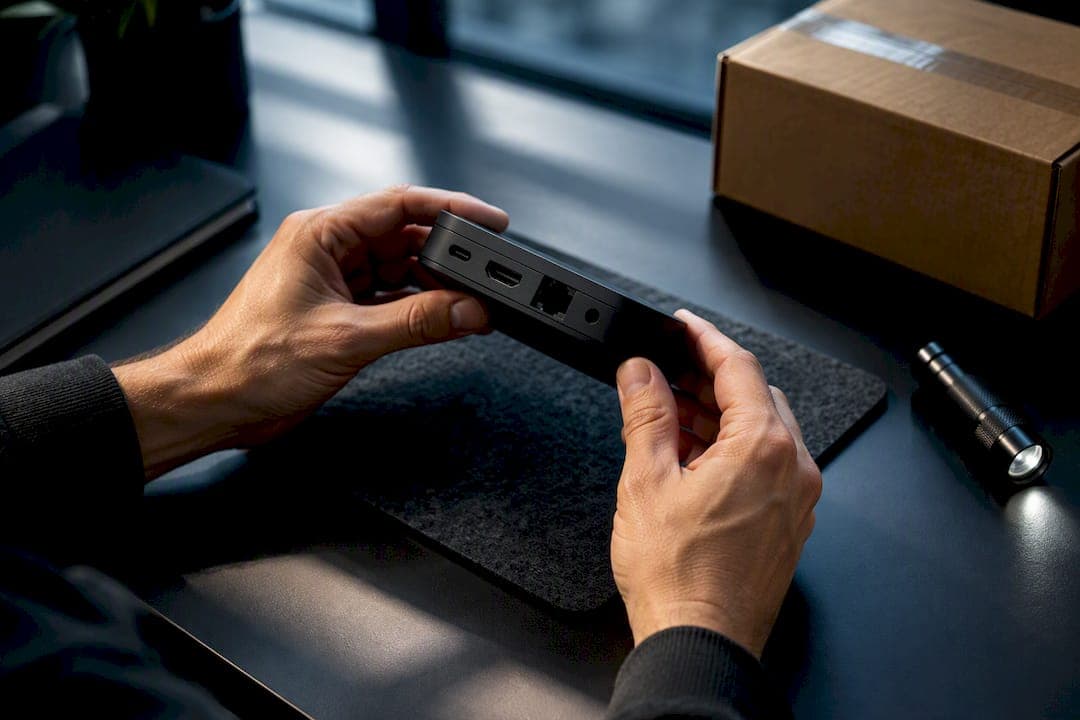
Most new IPTV boxes include a limited manufacturer warranty, and the first move if something goes wrong is simple: contact the maker or the authorized seller and ask for a Return Merchandise Authorization, or RMA, with your receipt, model number and serial number ready. Coverage commonly lasts around a year, though some brands or registrations extend that period. Having your paperwork in order from day one makes the whole process faster.
TL;DR:
- Most IPTV boxes come with a one- or two-year manufacturer warranty that covers hardware defects and manufacturing faults present from the start.
- To successfully claim a warranty, keep documented proof of purchase, serial number, registration status, and detailed fault descriptions, and always seek an RMA before shipping the device.
- Common warranty exclusions include water damage, cosmetic wear, misuse, unauthorized repairs, and devices with altered serial numbers, especially for grey-market models.
- Repair or replacement typically takes 7 to 14 days after inspection, with shipping costs varying—some manufacturers cover return shipping, but customers may pay outbound costs.
- Buying from an authorized dealer or a trusted provider like Toronto’s Best IPTV ensures valid warranty coverage, local support, and easier claim processing.
Table of Contents
- What IPTV box warranties typically cover and how long they last
- How to check whether your IPTV box is still under warranty
- Step-by-step: how to make a warranty claim (RMA process)
- Common warranty exclusions and actions that void coverage
- What to expect: inspection, repair, replacement timelines and likely costs
- Publisher perspective: how Toronto's Best IPTV supports warranty and device help
- Author checklist and recommended next steps
- How Toronto's Best IPTV can help: preconfigured devices, warranties and support
- Official Canadian guidance and authoritative resources on warranties
- Sources
- FAQ
What IPTV box warranties typically cover and how long they last
A manufacturer warranty is a written promise to repair or replace a product that has a defect in materials or workmanship, for a set period after purchase. It is different from a retailer's return policy, which is a separate arrangement the store chooses to offer and isn't something businesses are legally required to provide unless the item itself is faulty. Knowing which one applies to your situation saves a lot of back and forth.
Standard hardware warranties usually run for about one year, though some manufacturers offer longer coverage for buyers who register their device. Roku's own warranty page is a good real-world example: its players carry a one-year limited warranty, which is fairly typical across the streaming device world.
What's normally covered:
- Hardware defects that show up during normal use, like a box that won't power on or a chip that fails prematurely.
- Manufacturing faults present from the start, even if they only become obvious weeks later.
What's usually excluded:
- Cosmetic wear, scratches or cracked casings from drops.
- Water damage, power surges or misuse.
- Devices that have been opened, modified or flashed with unauthorized firmware.
How to check whether your IPTV box is still under warranty
Before you do anything else, confirm you're actually still covered. It only takes a few minutes.
- Check the box, the manual or the manufacturer's product page for the warranty terms, since coverage length and conditions vary by brand and sometimes by model.
- Pull up your original invoice from the retailer, since the purchase date on that receipt is what starts the warranty clock.
- Find the model and serial number, usually printed on a sticker on the underside of the device, and photograph both so you have a backup copy saved somewhere safe.
- Log into your manufacturer or retailer account to see if the device was registered, since registration is sometimes the difference between a one-year and a two-year term.
Pro Tip: Keep a digital "warranty folder" with photos of the receipt, the serial number sticker and the original packaging. If the fault is intermittent, jot down when it happens and what you were doing, since that speeds up diagnosis and cuts the odds of a "no fault found" rejection.
Step-by-step: how to make a warranty claim (RMA process)
Once you've confirmed the device is still covered, the actual claim follows a fairly predictable path.
- Contact the manufacturer or the authorized seller directly, through their official support form, e-mail or phone line, and ask for an RMA number.
- Provide your original dated receipt, the model and serial number, a short description of the fault, and any error messages or photos showing the problem.
- Wait for the RMA confirmation before shipping anything. Most providers won't accept a return without one.
- Pack the device carefully, use insured shipping, and write the RMA number clearly on the outside of the parcel along with your contact details.
- Keep your tracking number and drop confirmation until the claim is fully resolved.
What to include with your claim:
- The original dated receipt or invoice.
- Model and serial number, matching what's on the device itself.
- Clear photos of the fault and a plain description of what's happening.
According to Innovation, Science and Economic Development Canada's complaint roadmap, inspection and a decision typically take 7 to 14 days once the service provider physically receives the unit. If you haven't heard anything after that window, follow up in writing and ask for a status update before escalating further.
Common warranty exclusions and actions that void coverage
A few common habits can quietly cancel your coverage before you even realize there's a problem.
- Physical damage, water exposure or visible signs of impact, since these point to misuse rather than a manufacturing fault.
- Unauthorized repairs, third-party firmware, or tampering with the device's software, since these alter the product from its original state.
- Removed, scratched off or altered serial numbers, since these are how manufacturers verify the claim in the first place.
- Accessories like remotes, HDMI cables and power adapters, which many warranties simply don't cover regardless of the main unit's status.
Grey-market devices carry a real risk here. ISED's guidance on illegal streaming equipment notes that grey-market and black-market boxes frequently come with no valid manufacturer warranty at all, and they can stop working entirely if a provider takes countermeasures against unauthorized devices. Buying from an authorized dealer isn't just about principle. It's what keeps your warranty valid in the first place.
What to expect: inspection, repair, replacement timelines and likely costs
Once your device arrives with the manufacturer or authorized repair centre, expect an inspection and decision within 7 to 14 days. From there, the outcome usually falls into one of three buckets: a repair using new or refurbished parts, a straight swap for a replacement unit, or, in limited cases, a refund.

Shipping costs are worth checking before you send anything. Many manufacturers ask the customer to cover outbound shipping, while some cover the return leg once a claim is approved. It's a small detail that can save you an unpleasant surprise.
Publisher perspective: how Toronto's Best IPTV supports warranty and device help
The IPTV provider has operated locally for several years, and part of that long run comes from treating hardware support as seriously as the streaming service itself. Boxes sold through the shop page, including models like the YokaTV IPX2 4K Android Box, YokaTV IPX3 4K Android Box and Formuler Z11 Pro Max, come preconfigured with Canadian edge routing baked in, and selected models carry a stated warranty of around two years.
Support doesn't stop at the sale. The support team assists customers with warranty documentation and troubleshooting before shipping devices and can arrange swaps for hardware purchased from the service provider when claims are approved, providing local support for those customers.
Author checklist and recommended next steps

If your IPTV box starts acting up, here's the order I'd tackle things in. First, stop making changes: don't install new firmware, don't open the case, don't try a fix you found in a forum. Photograph the serial number and whatever's going wrong, then dig out your receipt.
From there, contact support and ask for an RMA before you do anything else. If you have any doubt about where the device originally came from, a bit of digging into the purchase source now is far cheaper than paying for a repair on a box that was never covered to begin with. And if you bought your device through Toronto's Best IPTV, its support line is an easy first call, since it already knows the hardware and can move the paperwork along quickly.
— Aj
How Toronto's Best IPTV can help: preconfigured devices, warranties and support
If you'd rather skip the guesswork around grey-market hardware entirely, Toronto's Best IPTV sells preconfigured boxes with warranty coverage already built in, alongside its own IPTV plans starting from $15 CAD per month for the 1 Month plan. A two-day free trial lets you test the service before committing to anything longer.
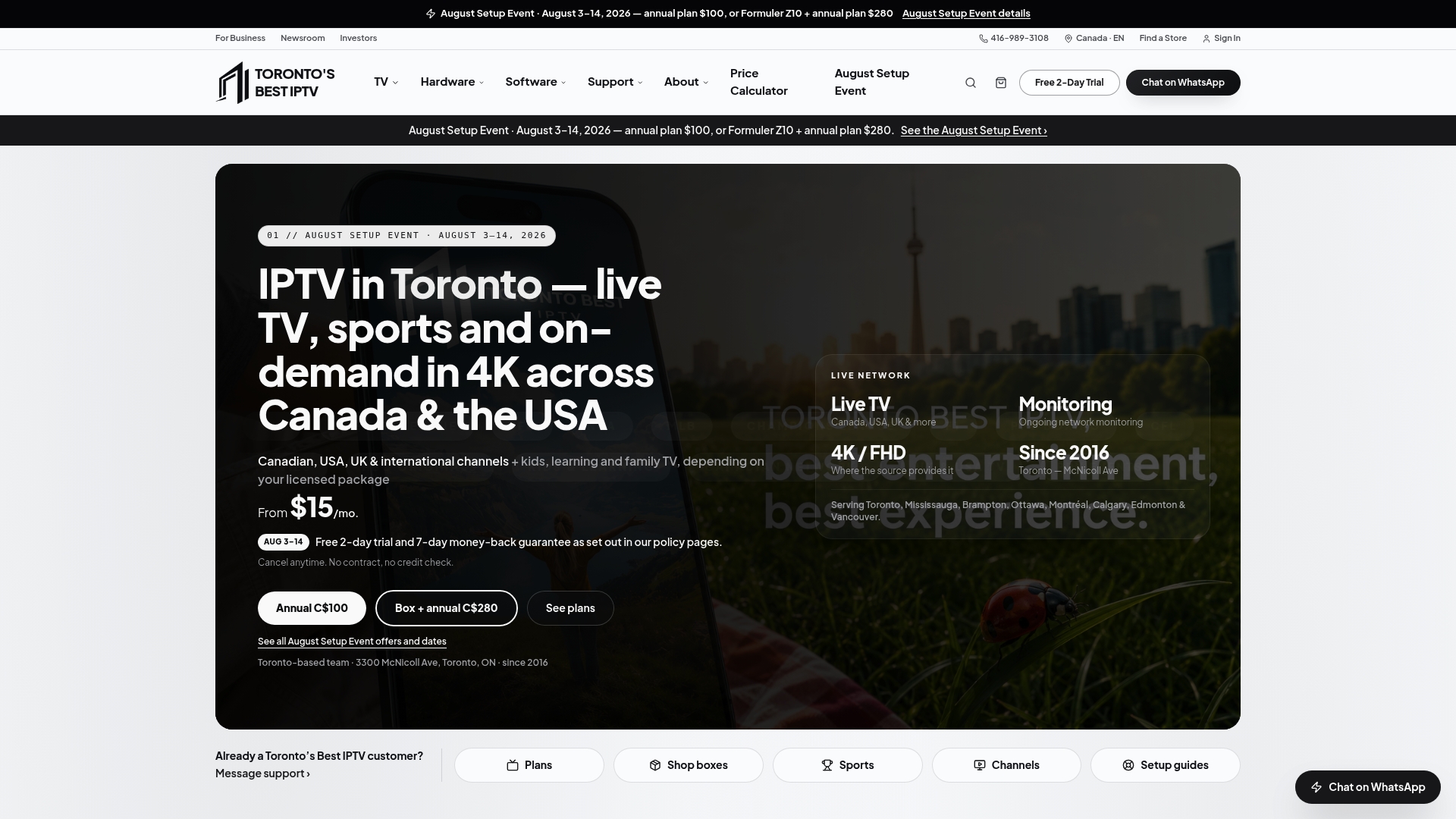
Here's what's included when you go this route:
- Selected IPTV box models carry a stated two-year warranty.
- Dedicated support helps prepare warranty documentation if a device needs repair or replacement.
- Add-ons like the Premium VOD + 4K library ($3 CAD per month) and the All-Sports pass ($4 CAD per month) are available through the pricing calculator.
This isn't the only way to get a warranty-backed IPTV box, but if you want the hardware and the support handled by the same local team, the shop page is where to start.
Official Canadian guidance and authoritative resources on warranties
For formal guidance beyond this article, the Office of Consumer Affairs explains how manufacturer warranties work and where to file a complaint. The Competition Bureau covers what counts as a misleading warranty claim, useful if a denial feels off.
Sources
- Warranties - Office of Consumer Affairs (Innovation, Science and Economic Development Canada)
- Warranties and guarantees — Competition Bureau of Canada
- Roku warranty information — Roku support Canada
FAQ
Is an IPTV subscription legal to use?
Streaming a properly licensed IPTV service is legal, but using devices or services built around unauthorized decoding of paid content is not. The distinction comes down to whether the provider holds proper content licensing, something worth confirming before you sign up.
Do I need to keep my IPTV box for a warranty claim?
Yes. Most manufacturers require you to send the physical device in for inspection before they'll approve a repair, replacement or refund, and you'll typically need the original box or at least the unit itself with its serial number intact.
How long does an IPTV box warranty typically last?
Standard coverage usually runs for one year, as seen with Roku's limited warranty on its players, though some manufacturers extend that to two years if you register the device. Toronto's Best IPTV states a two-year warranty on selected preconfigured models like the YokaTV IPX2 and Formuler Z11 Pro Max.
How much does a 12-month IPTV subscription cost?
Toronto's Best IPTV prices its 12 Months plan at $100 CAD per year. Costs elsewhere vary depending on the provider and the channel lineup included.
What should I do if my warranty claim gets denied?
Start by asking the manufacturer's customer service team for the specific reason behind the denial, since documentation gaps are a common cause. If you believe the denial is unfair, the ISED complaint roadmap outlines how to escalate the issue formally.