
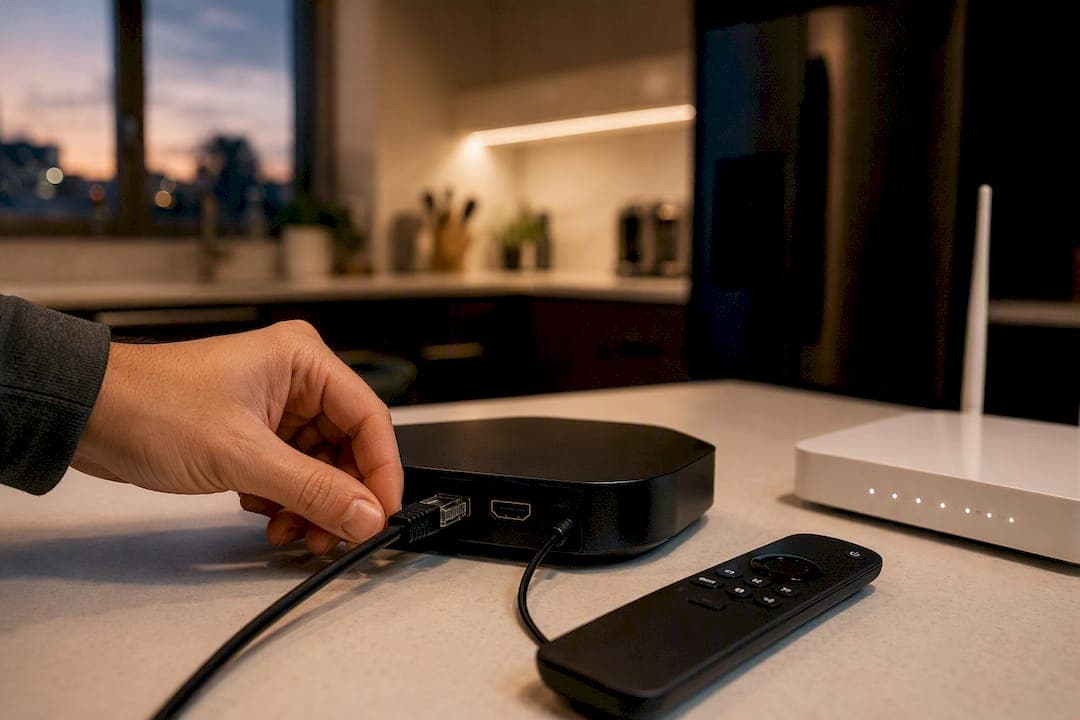
You can cancel cable and still watch the channels you actually care about. There are three practical routes: an antenna for local networks, a streaming or live-TV app for broad cable-equivalent coverage, or an IPTV subscription for a fuller channel lineup with live sports built in. The one thing every route needs is a solid internet connection, so keep your broadband or confirm the internet-only rate before you touch anything else.
- Antenna works best if you mostly watch local news, network shows, and don't need cable-only channels.
- Streaming or live-TV apps suit households who need a handful of cable networks alongside local channels.
- IPTV fits viewers who want a full cable-style lineup, international channels, or heavy sports viewing without blackouts.
Next: run a channel audit and test your replacements before you make the cancellation call.
Key Takeaways
Cancelling cable while keeping your channels works when you audit first, test your replacement for a full week including a live event, and only then call to cancel.
| Point | Details |
|---|---|
| Audit before you subscribe | List your must-watch channels and shows first to avoid paying for coverage you don't need. |
| Match the route to your viewing | Antenna suits locals-only households; streaming apps or IPTV suit sports and international viewers. |
| Test for a full week | Include at least one evening and one live sports event before cancelling anything. |
| Cancel with a paper trail | Get a confirmation number, return equipment in person, and check your first post-cancellation bill. |
| Try before you commit | Toronto's Best IPTV offers Canadian edge routing, plans from $15/month, and a two-day free trial to test your stack risk-free. |
Table of Contents
- Audit your channels: what do you actually watch?
- What replaces cable: antenna, streaming apps, or IPTV?
- How do you test a replacement before cancelling cable?
- How to cancel cable without losing money or channels
- What does cutting cable actually save you?
- Why local routing matters for a smooth switch
- Setting up DVR and cloud recording after cable
- Keeping your sports and premium channels after cutting cable
- Bringing multiple apps together into one viewing experience
- Setting up profiles and parental controls without cable
- Try Toronto's Best IPTV before you make the cancellation call
- Sources
Audit your channels: what do you actually watch?
Most people overestimate how many channels they watch regularly. Before picking a replacement, spend 15 to 30 minutes figuring out what's actually on your remote's most-used list. This single step decides whether you need a $10 antenna or a full IPTV subscription.
- List your nightly and weekend shows — write down the actual programs, not just the channels.
- Flag your sports teams and leagues — note which ones require regional sports networks or premium add-ons.
- Check kids' programming needs — some networks (PBS Kids, Treehouse) are free over-the-air; others aren't.
- Note DVR habits — do you record and rewatch, or watch live and move on?
- Circle your five non-negotiable channels — everything else is negotiable.
That short worksheet does the heavy lifting. If your list is mostly local news and a couple of sports leagues, you're an antenna-plus-streaming household. If it's stacked with regional sports, international channels, or premium movie networks, you're likely looking at IPTV. Keeping the list tight from the start avoids paying for three overlapping services later.
What replaces cable: antenna, streaming apps, or IPTV?
Each replacement option covers a different slice of what cable used to provide, and most cord-cutters end up combining two.
Antenna. An over-the-air antenna pulls in local news, network affiliates, and PBS for a one-time hardware cost. Pair it with an inexpensive streaming service and you can land a full replacement stack for roughly $40 to $55 a month after buying the antenna. It won't get you ESPN or regional sports networks, and reception depends heavily on your distance from broadcast towers.
Streaming and live-TV apps. These bundle a set number of cable channels into a monthly subscription, often with cloud DVR included. CNET notes that most run on no-contract terms with free trial periods, which makes them low-risk to test. The catch is regional sports blackouts and limited international or multilingual options.
IPTV. IPTV delivers live channels over the internet the same way a YouTube stream or FaceTime call does, just packaged into a full channel guide (EPG) with cloud DVR. It typically covers a broader mix of sports, international, and multilingual channels than streaming apps, which is why heavy sports watchers and multicultural households often prefer it.
- Antenna: best for locals-only households, lowest ongoing cost.
- Streaming apps: best for moderate cable-channel needs with flexible month-to-month billing.
- IPTV: best for sports-heavy or multilingual households wanting a fuller lineup.
For hardware, a Roku, Fire TV, or Apple TV works for streaming apps, while IPTV often runs through the same devices or a pre-configured box built specifically for it.
Pro Tip: Don't guess at your antenna reception. Enter your address into a signal locator tool before buying, so you know which local stations you'll realistically pull in.
How do you test a replacement before cancelling cable?
Testing is the step people skip, and it's the reason cord-cutting horror stories happen. Treat this like a trial run, not a formality.
- Sign up for free trials on your shortlisted streaming or IPTV services and use them during evenings and, ideally, a live sports broadcast.
- Check your internet speed using Fast — aim for at least 25 Mbps for a single stream, more if multiple people watch different devices at once.
- Test your antenna indoors first, then outdoors if reception is weak, and rescan channels after moving it. Keep a written list of which local stations actually come in clearly.
- Run the test for several days to a full week, covering at least one peak evening and one live event.
A stack passes the test if the picture stays consistent and there's no blackout during a live sports broadcast. Consumer Reports points out many trials require a credit card, so mark the trial end date immediately to avoid a surprise charge.
How to cancel cable without losing money or channels
Before you dial the cancellation line, gather your account number, your most recent bill, and a note of your contract end date or early termination fee. If you're keeping internet service, ask specifically for the internet-only rate first. This matters, since providers often quietly raise the internet price once TV is dropped from the bundle.
When you call, say plainly that you're cancelling the TV portion and ask for three things: a confirmation number, the exact service end date, and equipment return instructions. Retention agents will often offer a discount. Take it only if it genuinely beats your replacement stack's cost.
- Return equipment in person whenever possible, and insist the receipt lists the equipment's serial numbers and your account ID.
- If you must mail it back, get tracked shipping and photograph the label before dropping it off.
- Keep every confirmation number in one place, digital or written.
Pro Tip: A serial-numbered, in-person receipt is your best defence against a surprise "unreturned equipment" charge showing up two months later.
Check your first bill after cancellation line by line. Dispute any TV-related charge in writing, referencing your confirmation number, and keep copies of everything until the correction shows up.
What does cutting cable actually save you?
Cable bills carry more than the advertised price. Ars Technica's analysis found that hidden fees and equipment rentals routinely add a large chunk to the monthly total, often without the subscriber noticing until they read the itemized bill.
Here's roughly what three common replacement stacks look like:
- Budget stack: antenna plus free ad-supported apps, often under $10/month after the one-time antenna cost.
- Mid-range stack: antenna plus one or two paid streaming services, generally landing in the $40 to $55/month range.
- Sports-heavy stack: IPTV or a live-TV streaming service with cloud DVR, which costs more but avoids blackout gaps for regional sports.
To pin down your own numbers, run your device count and channel priorities through an IPTV pricing calculator or compare against Rogers and Bell bundle pricing directly. This trend isn't isolated. Cable and satellite adoption has dropped sharply since 2015 as more households make exactly this switch.
Why local routing matters for a smooth switch
A lot of cord-cutting frustration isn't about channel selection at all. It's buffering during the third period of a hockey game or a pixelated feed right when the match kicks off. That's usually a routing problem, not a content problem, and it's one reason Canadian viewers lean toward providers built with Canadian edge routing rather than generic international servers.
- Edge routing keeps the data path shorter, which matters most during high-traffic live sports windows.
- Local customer support and step-by-step device tutorials cut down the guesswork when a box needs reconfiguring.
- A short free trial lets you confirm reliability before you commit to anything.
Reliability during live sports is the real test of any cord-cutting replacement. A channel guide means nothing if the stream stutters the moment the game matters most.
Run your full testing checklist against any provider's trial period, including at least one live sporting event, before you make the cancellation call.
Setting up DVR and cloud recording after cable
Losing your cable box's DVR doesn't mean losing the ability to record shows. Most replacement services now handle this through cloud DVR, storing recordings on remote servers instead of a physical hard drive.
Streaming and live-TV apps typically offer a set number of cloud DVR hours, often expandable for an extra monthly fee. IPTV services usually build recording directly into the electronic program guide (EPG), letting you tap a show in the guide and set it to record without touching a separate app. The practical difference shows up in storage limits and playback rules. Some cloud DVR plans delete recordings after 30 or 90 days unless you upgrade, while others keep them indefinitely as long as you're subscribed.
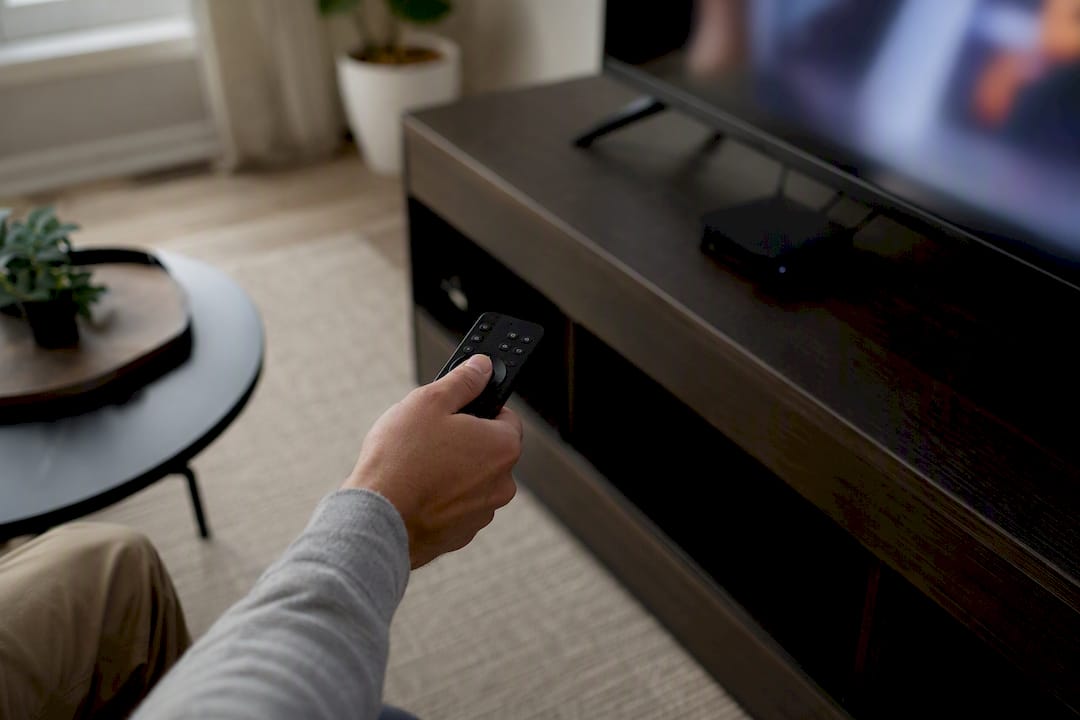
Before you settle on a service, check three things: how many simultaneous recordings it supports, whether fast-forwarding through ads works the same way it did on cable, and how long recordings stay available. If your household records overlapping shows during prime time, confirm the simultaneous-stream limit covers that, since some entry-level plans cap you at two recordings at once.
For IPTV setups specifically, activation usually happens through your device's app store rather than a mailed box. Guides like activating IPTV on an Android TV box or setting it up on Apple TV walk through the process in a few minutes, and it's worth doing this during your trial period rather than after you've already cancelled cable.
Keeping your sports and premium channels after cutting cable
Sports is where most cord-cutting plans fall apart, mainly because regional sports networks are licensed differently than national channels. A streaming app that covers your local news perfectly well might still black out your home team's regional broadcasts, depending on where the rights sit.
Before cancelling, check specifically whether your leagues (NHL, NFL, Premier League, MLB, UFC) are covered by your shortlisted replacement, and whether that coverage includes the regional network your team actually airs on, not just national game-of-the-week broadcasts. IPTV services tend to bundle a wider range of regional and international sports feeds into a single subscription, which is part of why sports-heavy households often land there instead of stacking three separate streaming apps to cover different leagues.
Premium channels like movie networks or specialty add-ons usually work the same way they did on cable: available as an add-on tier rather than baked into a base plan. Map out which premium channels you actually use regularly versus which ones you kept "just in case" during your cable days. Most households find they only watch one or two premium channels consistently, which narrows the add-on decision considerably.
Test any sports-heavy stack during an actual live game before cancelling, not just during a replay or highlight package. Blackouts and buffering both tend to show up specifically during live, high-demand broadcasts, and that's the exact scenario your replacement needs to handle well.
Bringing multiple apps together into one viewing experience
Replacing one cable box with four separate apps can feel like a step backward if you're constantly switching inputs and remembers. The fix isn't cutting back to fewer services. It's organizing what you already have.
A universal remote, or the remote that comes with your streaming device, can usually be programmed to control your TV, soundbar, and streaming box with one device instead of three. Most modern TVs also let you rearrange your home screen so your most-used apps sit front and centre, cutting down the hunting.
For a more unified guide-style experience, many streaming devices offer a combined home screen that pulls "continue watching" and live content across multiple apps into a single row, so you're not opening each app individually just to see what's on. IPTV services take this further with a built-in electronic program guide that lists channels the same way a cable guide did, which is part of the appeal for households who found switching between five separate apps more tiring than cable ever was.
If your household splits between a smart TV, a streaming box, and a phone or tablet for casting, pick one device as your "main" screen and set that up first. Getting one setup dialled in properly, remote included, before expanding to a second device saves a lot of trial and error.
Setting up profiles and parental controls without cable
Cable's parental controls were usually a blunt instrument: lock a channel or don't. Streaming and IPTV replacements generally do this better, with individual user profiles that separate what each household member sees.
Most streaming apps let you create a kids' profile that restricts content by age rating automatically, and separate profiles mean recommendations and watch history don't get mixed between a toddler's account and a teenager's. IPTV services vary here. Some offer profile-level restrictions similar to major streaming apps, while others rely more on PIN-protected channel locks similar to how cable used to work, so it's worth checking this specifically during your trial if you have young kids in the house.

Set this up during your test week, not after you've already cancelled cable and discovered the kids' profile doesn't restrict what you expected. Try logging in as the child profile yourself and confirm the content shown actually matches the age setting you selected, since default settings aren't always as strict as the marketing suggests.
Publisher perspective: the safest way to cut the cord
The households that switch successfully almost always follow the same order: audit first, test for a full week including at least one live event, then call to cancel and return the equipment in person. Skipping the testing week is where most of the regret stories start, usually because someone discovers a blackout during a playoff game after cable is already gone. The audit matters just as much. Without it, people tend to overbuy a sports-heavy stack they didn't need or underbuy and end up frustrated within a month.
— Aj
Try Toronto's Best IPTV before you make the cancellation call
If your channel audit points toward sports, international channels, or a fuller lineup than a basic streaming app covers, Toronto's Best IPTV is built for exactly that gap. Plans start from $15 a month, and Canadian edge routing is designed specifically to cut buffering during high-traffic moments like a Leafs game or a UFC card.
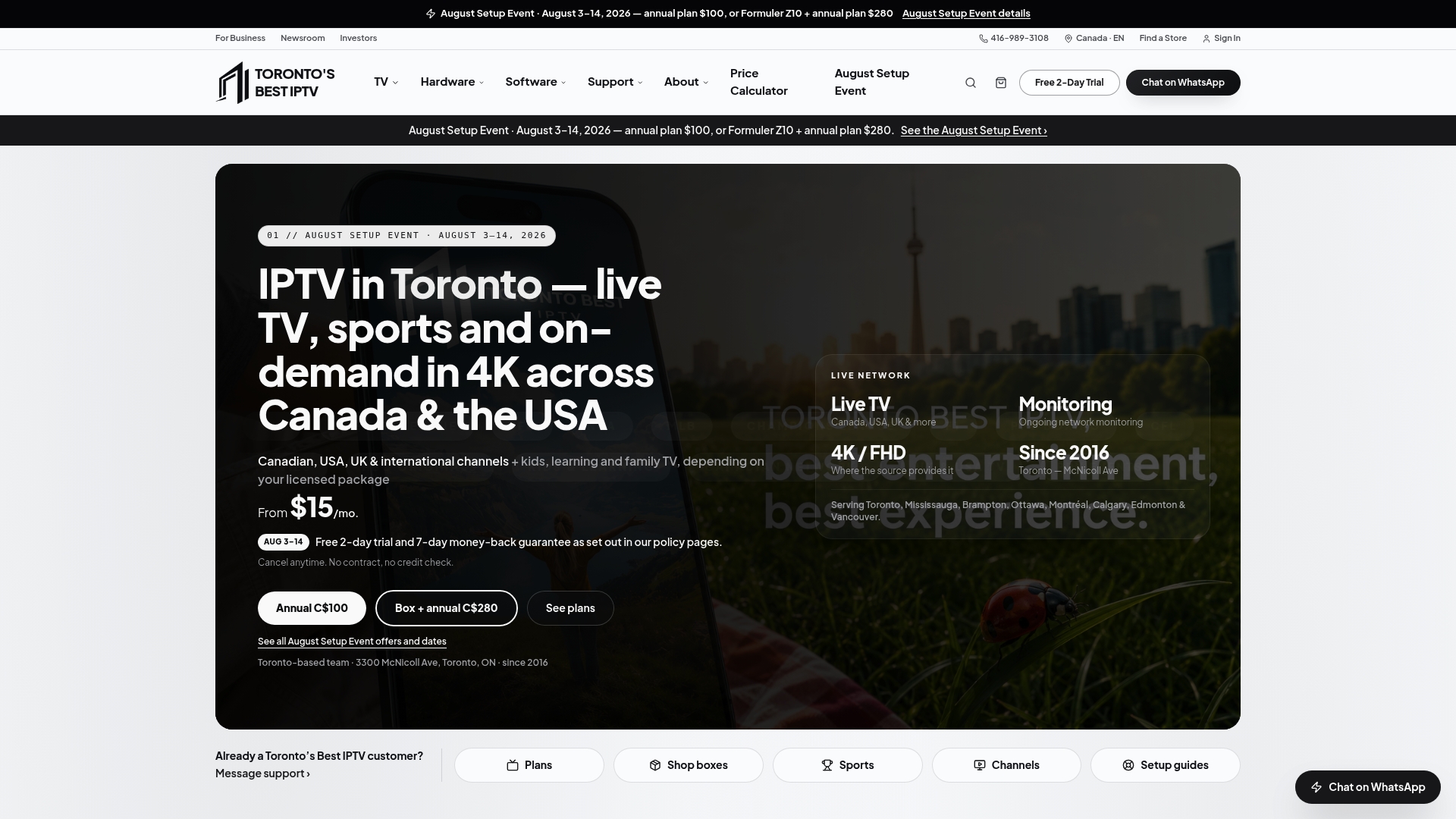
Instead of committing blind, use the two-day free trial to run your own testing checklist first: check your must-watch channels, stream during a live sports broadcast, and confirm your device works smoothly. Setup tutorials walk you through activation on Android TV, Apple TV, or a pre-configured box with a 2-year warranty, and local Canadian support is available if anything needs troubleshooting. Before you finalize your cable cancellation, confirm your specific channels and device compatibility work as expected. Ready to see your numbers? Run your setup through the IPTV pricing calculator and compare plans on the full plans page before you make the call.
Sources
- Cheapest way to replace cable & keep local channels 2026 | CordCutterPro
- How to cut the cord | CNET
- Video streaming services that let you cut cable TV | Consumer Reports
- Average cable bill includes $50 in hidden fees and taxes | Ars Technica